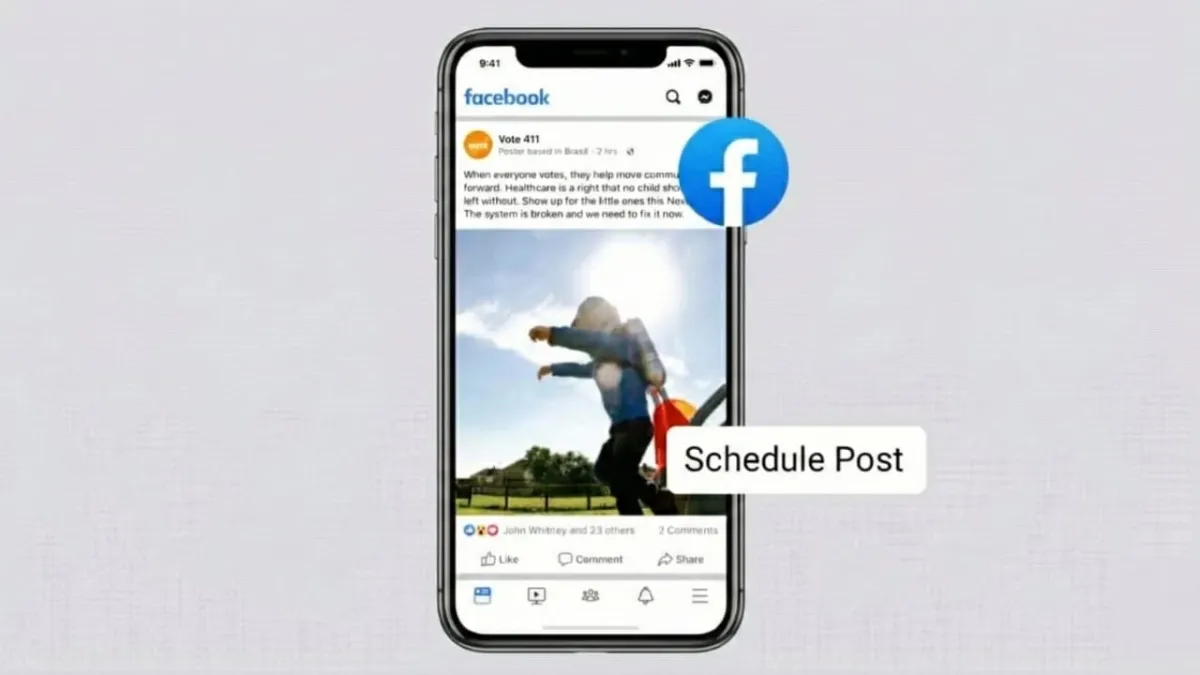
Running a Facebook Page becomes much easier when you know how to schedule posts. Whether you’re a business owner, creator, or social media manager, planning your content in advance saves time and helps you show up consistently. It also lets you post at the moments when your audience is most active—even if you’re busy or offline.
Advertisements
Scheduling your posts not only keeps your page organized but also makes handling multiple accounts far less stressful.
Also read: How to Make Your Own Custom Emojis on Telegram
Why Scheduling Facebook Posts Matters
- It helps you stay consistent without needing to post every day manually.
- You can reach your audience at times when engagement is usually higher.
- Tools like Meta Business Suite, Hootsuite, and Planable allow you to plan content in advance.
- With a good posting strategy, you maintain your brand voice and track what performs best.
How to Schedule Facebook Posts Through Meta Business Suite
Meta Business Suite is Facebook’s built-in dashboard designed for creators and businesses. It lets you create and schedule posts, stories, and reels for both Facebook and Instagram from one place.
Here’s how to schedule a post using it:
- Open Meta Business Suite
Log in to your Facebook Page and access Business Suite from the main menu. - Create a Post
Click on Create Post, add your caption, photos, or videos, and preview the post on the right. - Choose the Publishing Time
Turn on the Set Date and Time option and pick when you want your post to go live. - Schedule the Post
Once you’re satisfied with everything, hit Schedule.
Your post will now appear in the Planner section. If you need to change anything:
- Go to Content > Posts and Reels > Scheduled,
- Open the three-dot menu,
- Select Edit Post, make your changes, and save.
Benefits of Using Meta Business Suite
- Saves time by letting you line up your posts in advance.
- Ensures your content appears regularly.
- Suggests optimal posting times based on your audience’s activity.
- Makes it easier to reach followers in different time zones.
The only limitation is that Meta Business Suite works exclusively with Facebook and Instagram. If you need broader platform support, third-party tools are a better match.
How to Schedule Facebook Posts Using Third-Party Tools
External tools offer additional features such as team collaboration, multi-platform posting, and automated workflows. Two popular choices are Hootsuite and Planable.
Scheduling Facebook Posts with Hootsuite
Hootsuite is widely used for managing social media content. It offers scheduling, analytics, link tracking, and even bulk uploads.
How to schedule a post:
- Create or Log Into Your Hootsuite Account
Connect your Facebook Page. - Draft Your Post
Add your caption and visuals, and check the preview. - Use Additional Tools (Optional)
You can add hashtags, enable link tracking, or generate captions. - Set Your Posting Time
Select Schedule for Later, then choose your date and time. - Bulk Scheduling Option
Upload a CSV file with up to 350 posts using the Bulk Composer.
You can revisit the Planner anytime to edit, pause, or delete upcoming posts.
Scheduling Facebook Posts with Planable
Planable is a simple, collaboration-friendly platform suitable for brands and agencies managing several accounts. It supports nine major social networks, including Facebook, TikTok, Instagram, LinkedIn, and YouTube.
Here’s how to schedule a post on Planable:
- Create an Account and set up a workspace.
- Connect Your Facebook Page when prompted.
- Compose a Post by adding images, videos, captions, or links.
- Pick the Posting Time and click Schedule.
You can also plan and schedule content using Planable’s mobile app, making it easy to work on the go.
Notable Planable Features
- Supports scheduling for both pages and groups.
- Lets teams review and approve content before publishing.
- Offers multiple viewing styles such as Calendar, List, Grid, and Feed.
- Includes a media library for storing branded visuals.
- Allows recurring posts for evergreen content.
- Integrates fun extras like GIFs through Giphy.
Planable’s collaboration-first approach makes it ideal for agencies or marketing teams.
Tips for Scheduling Facebook Posts the Right Way
To get the most out of your scheduling efforts, keep these guidelines in mind:
- Post Consistently so your audience knows what to expect.
- Choose the Right Time, often early morning for better visibility.
- Keep Your Branding Consistent—use the same tone, style, and visuals.
- Review Scheduled Posts Regularly, especially if something important changes.
- Monitor Insights to learn which posts perform well.
- Plan Extra Content when you’re feeling creative.
- Maintain a Healthy Mix: around 80% original content and 20% curated.
Also read: How to Add Voice Notes to Instagram Stories: A Simple Beginner-Friendly Guide
Final Thoughts
Mastering the scheduling tools available for Facebook Pages can completely change the way you manage your online presence. Whether you prefer Meta Business Suite or advanced platforms like Hootsuite and Planable, planning your content ahead of time helps you stay organized, maintain consistency, and connect with your audience more efficiently.
With the right strategy, scheduled posts ensure your message reaches people at the perfect moment—no matter where they are or what time it is.

Abhi Rajput, founder of EarnAbhi.in, is a tech lover with 6+ years of experience in SEO, digital tools, and smartphone troubleshooting. He writes simple, clear, and useful guides to help people solve real tech problems.
Advertisements