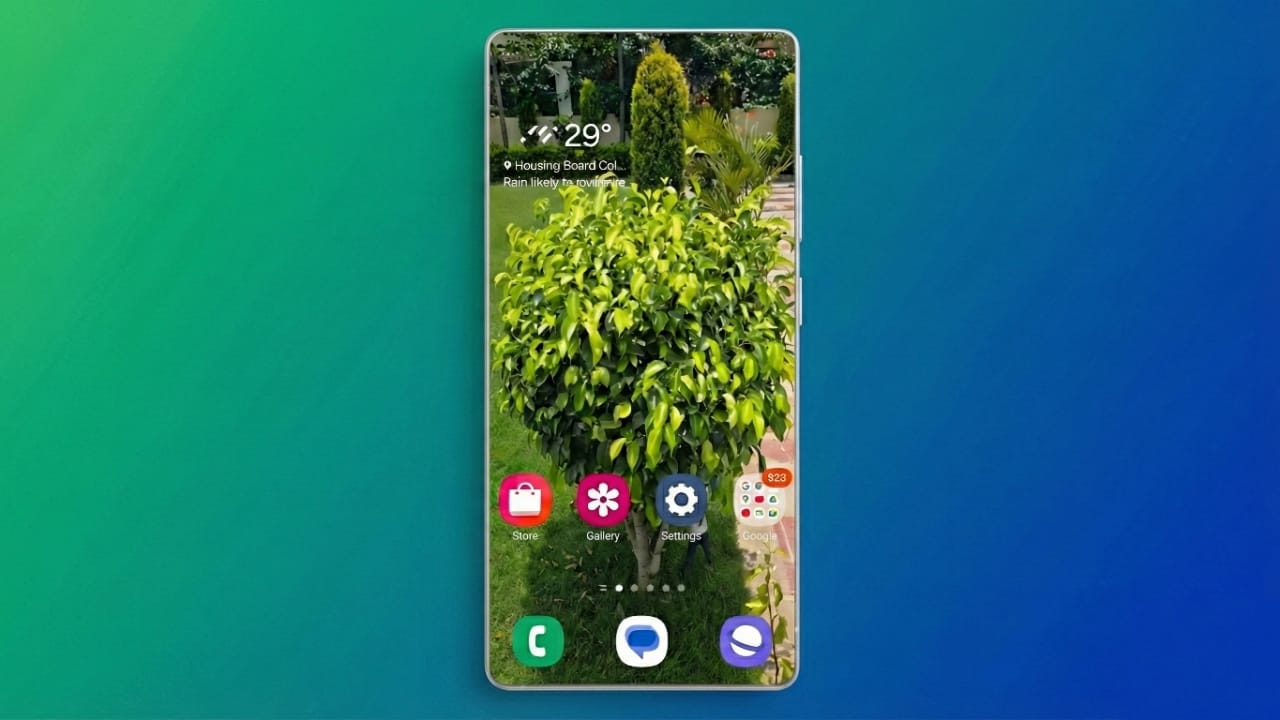
Using the same phone wallpaper every day can feel dull after a while. When your screen never changes, your phone starts to feel boring. A transparent live wallpaper can refresh the look of your device and make it feel new again.
Live wallpapers use motion instead of a still image. They add depth, style, and personality to your screen. Both Android and iPhone users can set them up with simple tools. You don’t need advanced skills or special knowledge.
Below is a clear and beginner-friendly guide for both platforms.
Also read: E2PDF Call Backup Restore App Review: A Simple Way to Save Phone Data
How to Set a Transparent Live Wallpaper on iPhone
Apple allows animated wallpapers through Live Photos. These are short moving images that animate when you press and hold the lock screen. This feature works on iPhone 6s and newer models.
Important note: iOS 16 and later versions removed native live wallpaper support. If your device runs an older iOS version, you can still use this feature.
Steps to Apply a Live Photo as Wallpaper
- Open Settings on your iPhone
- Tap Wallpaper
- Select Add New Wallpaper
- Choose Live Photo from the options
- Pick a Live Photo from your gallery
- Tap Set
- Select Lock Screen, Home Screen, or Both
Your animated image will now appear as wallpaper.
Useful iPhone Apps for Live Wallpapers
If you want more styles and effects, try these trusted apps:
- Live Transparent Wallpapers Forever
- Black Lite: Live Wallpapers
- WOW Pixel
- Wallpapers Now
- intoLive
These apps offer ready-made designs and tools to convert videos into Live Photos.
Using Videos as Live Wallpapers on iPhone
You can also turn short videos into wallpapers. For example, TikTok videos can be converted easily:
- Open TikTok and select a video
- Tap Share
- Choose Live Photo
- The video saves as a Live Photo
- Apply it through iPhone wallpaper settings
This method works best with short, high-quality clips.
How to Create Transparent Live Wallpapers on Android
Most Android phones do not include live wallpapers by default. However, many reliable apps allow you to use videos, GIFs, or animated images as wallpapers.
Popular Android Live Wallpaper Apps
- Video to Wallpaper
- KLWP Live Wallpaper Maker
- Pixamotion: Moving Pictures
- Walli (HD and 4K wallpapers)
Each app offers different features, depending on how creative you want to be.
Using the Video to Wallpaper App
This is one of the easiest options for beginners.
Steps to Apply a Video Wallpaper
- Open the Video to Wallpaper app
- Tap the Plus (+) icon
- Enter a name and select your video
- Tap OK, then Apply
- Select Set Wallpaper
- Choose Home Screen, Lock Screen, or Both
Your selected video will now play as your wallpaper.
Creating Animated Wallpapers with Pixamotion
Pixamotion allows you to animate still photos and turn them into moving wallpapers.
How to Use Pixamotion
- Open Pixamotion
- Tap Create New and select an image
- Adjust image size or set custom dimensions
- Use motion tools to animate parts of the image
- Tap Done, then Save
- Choose file type (video or GIF), resolution, and duration
- Export the file to your phone
- Apply it using Video to Wallpaper
This method is great for creating unique and personal designs.
Helpful Tips for Better Live Wallpapers
- Keep videos short to avoid lag
- High-resolution clips look better but use more power
- Live wallpapers may consume more battery than static images
- Windows users can try Wallpaper Engine
- Mac users can explore Dynamic Wallpaper Engine
- Test different apps to find your preferred style
Also read: Family Track: A Simple Tool to Encourage Healthy Screen Time at Home
Final Thoughts
Transparent live wallpapers are an easy way to customize your phone and make it feel more personal. iPhone users can use Live Photos or converted videos, while Android users can rely on apps that support video and animated images.
Install
Tools like Pixamotion and Video to Wallpaper give you full control over creativity. With just a few steps, you can turn a plain screen into something dynamic and eye-catching. Try it once, and your phone won’t feel boring again.

Abhi Rajput, founder of EarnAbhi.in, is a tech lover with 6+ years of experience in SEO, digital tools, and smartphone troubleshooting. He writes simple, clear, and useful guides to help people solve real tech problems.