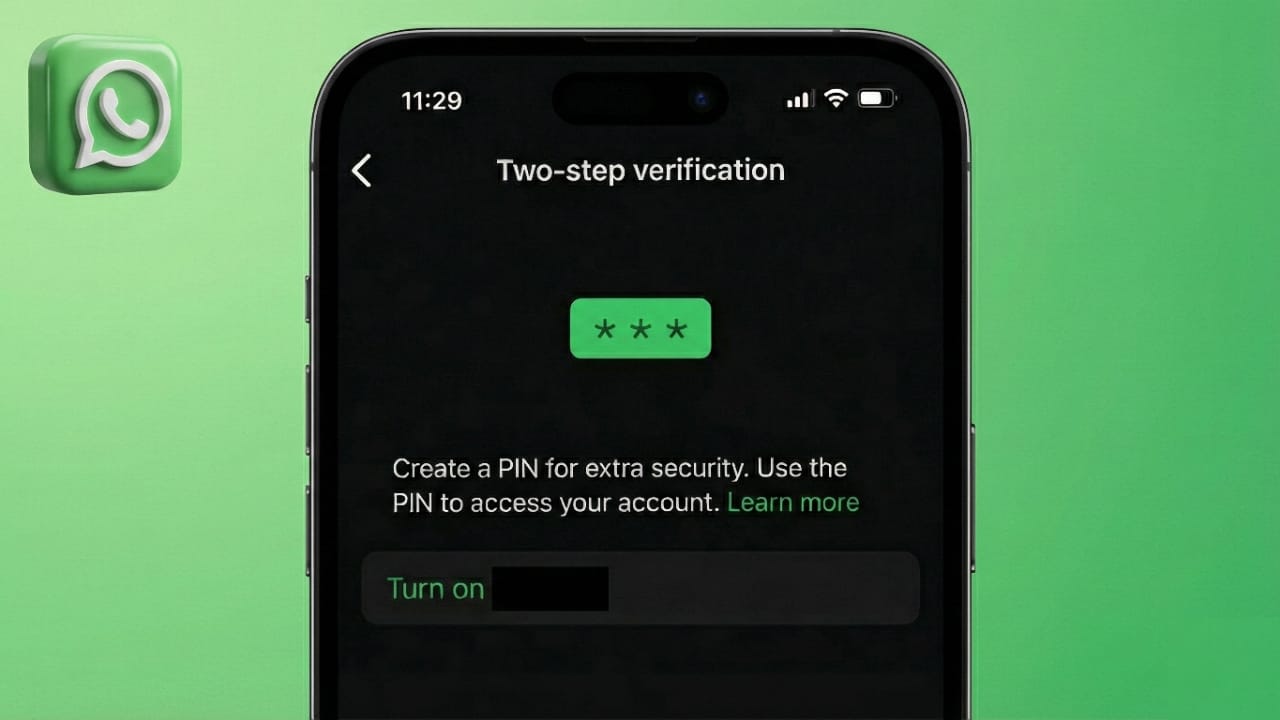
Keeping your WhatsApp account safe is important, especially when it holds personal chats, photos, and contacts. One of the easiest ways to improve security is by turning on two-step verification. This feature adds an extra lock to your account and helps stop unauthorized access.
The setup process is quick and works on both Android and iPhone. Once enabled, your account becomes much harder to misuse.
Also read: How to Switch Accounts on WhatsApp for iOS and Android
Quick Highlights
- Two-step verification adds a private 6-digit PIN to your WhatsApp account
- The setup takes only a few minutes on Android and iOS
- Adding a recovery email helps if you ever forget your PIN
What Is Two-Step Verification on WhatsApp?
Two-step verification is a security option that protects your account with a personal PIN. Normally, WhatsApp only asks for your phone number and an SMS code. With this feature turned on, you also need to enter your PIN during important actions.
Even if someone gets access to your SMS code, they still cannot use your account without the PIN. WhatsApp may also ask for this PIN from time to time to confirm it’s really you.
This feature is available on all devices and is strongly recommended for better privacy and safety.
How to Turn On Two-Step Verification
The steps are almost the same for Android and iPhone. Follow the instructions below based on your device.
For Android Phones
- Open WhatsApp
- Tap the three dots in the top-right corner
- Go to Settings
- Tap Account, then Two-step verification
- Select Enable
- Create a 6-digit PIN and confirm it
- Add an email address for recovery (recommended)
- Tap Save
After this, WhatsApp will ask for your PIN during number verification and occasionally when you use the app.
For iPhone or iPad
- Open WhatsApp and tap Settings
- Go to Account
- Select Two-step verification
- Tap Turn On or Set Up PIN
- Enter a 6-digit PIN and confirm it
- Add a recovery email address
- Tap Done and verify your email if prompted
Your account will now be protected with an extra security step.
How to Update Your PIN or Recovery Email
If you want to change your PIN or update your email, WhatsApp makes it easy.
- Go to Settings > Account > Two-step verification
- Choose Change PIN or Change Email Address
- Enter the new details and confirm
- Save the changes
Make sure the email you use is active so account recovery stays simple.
Why You Should Use Two-Step Verification
This feature adds strong protection to your WhatsApp account. Even if someone tries to register your number, they won’t succeed without your PIN.
It helps protect private conversations, business messages, and personal data. The setup is fast, and the security benefit is worth it.
Also read: WAPro App for WhatsApp – All Features & Hidden Tips and Tricks
Final Thoughts
Turning on two-step verification on WhatsApp is a smart move. It only takes a few minutes but adds a strong layer of protection to your account.
Choose a PIN you can remember, add a recovery email, and keep your account secure. Enabling this feature today can save you from problems later and keep your chats private.

Abhi Rajput, founder of EarnAbhi.in, is a tech lover with 6+ years of experience in SEO, digital tools, and smartphone troubleshooting. He writes simple, clear, and useful guides to help people solve real tech problems.