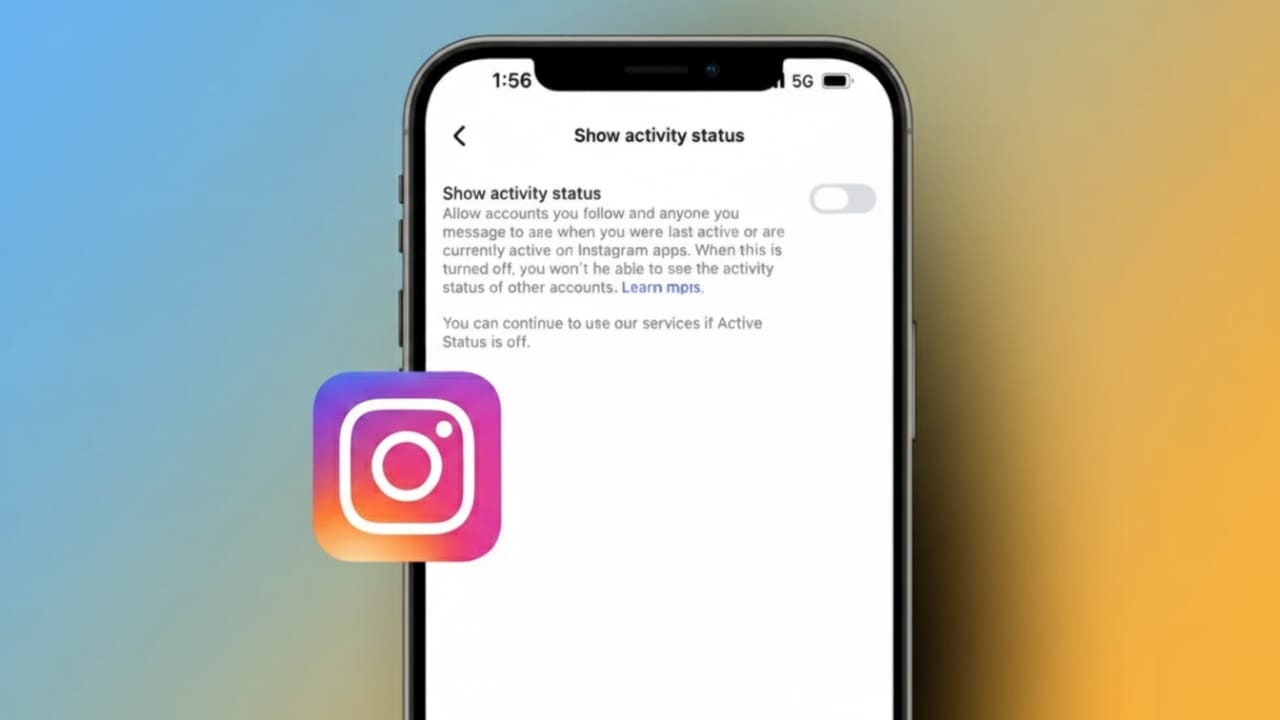
Instagram shows your online activity by default. This means others can see when you are online or when you last used the app. For many people, this feels uncomfortable. It can also create pressure to reply quickly to messages, even when you don’t want to.
The good news is that Instagram gives you full control over this setting. You can turn off your Active Status in just a few steps and use the app more freely, without feeling watched.
Also read: How to Save Instagram Reels Without a Watermark (Simple & Clean Guide)
What Is Active Status on Instagram?
Active Status is a feature that shows your online presence. When it is turned on, people you chat with can see:
- A green dot when you are currently online
- A “last active” time when you leave the app
This information appears mainly in direct messages. Only people you follow or have messaged can see it. The feature works much like the online status on other Meta apps, such as Facebook Messenger or WhatsApp.
For most users, this option is enabled automatically.
Why Many People Turn It Off
There are several common reasons users choose to hide their activity status:
- To avoid pressure to reply instantly
- To browse Instagram quietly without interruptions
- To prevent awkward situations when messages go unanswered
- To keep online habits private
Not everyone uses Instagram to chat. Some people just want to watch reels, view stories, or follow creators. Turning off Active Status helps make the experience more relaxed and personal.
How to Turn Off Active Status on Instagram (Step-by-Step)
These steps work on both Android and iPhone. The layout may look slightly different depending on your app version, but the options are similar.
- Open the Instagram app
- Tap your profile photo in the bottom-right corner
- Tap the menu icon (three lines) in the top-right corner
- Go to Settings and privacy
- Find the section related to messages and interactions
- Tap Messages and story replies
- Look for Show Activity Status
- Turn the switch off so it becomes grey
When the switch is grey, your Active Status is disabled. You can turn it back on anytime by following the same steps.
Important Things You Should Know
- When you turn off your Active Status, you also won’t see others’ activity status
- Green dots and “last active” times will disappear from chats
- This setting only affects direct messages
- Your posts, stories, and reels will work as usual
The visibility rule works both ways. This is similar to how “last seen” settings work on WhatsApp.
Also read: How Instagram’s Collaborative Posts Feature Works for Creators
Final Thoughts
Turning off Active Status on Instagram is an easy way to protect your privacy. It hides your online presence and removes the pressure to respond right away. While you won’t be able to see others’ activity status, many users find this trade-off worth it.
If you want a calmer and more private Instagram experience, this small setting change can make a big difference.

Abhi Rajput, founder of EarnAbhi.in, is a tech lover with 6+ years of experience in SEO, digital tools, and smartphone troubleshooting. He writes simple, clear, and useful guides to help people solve real tech problems.