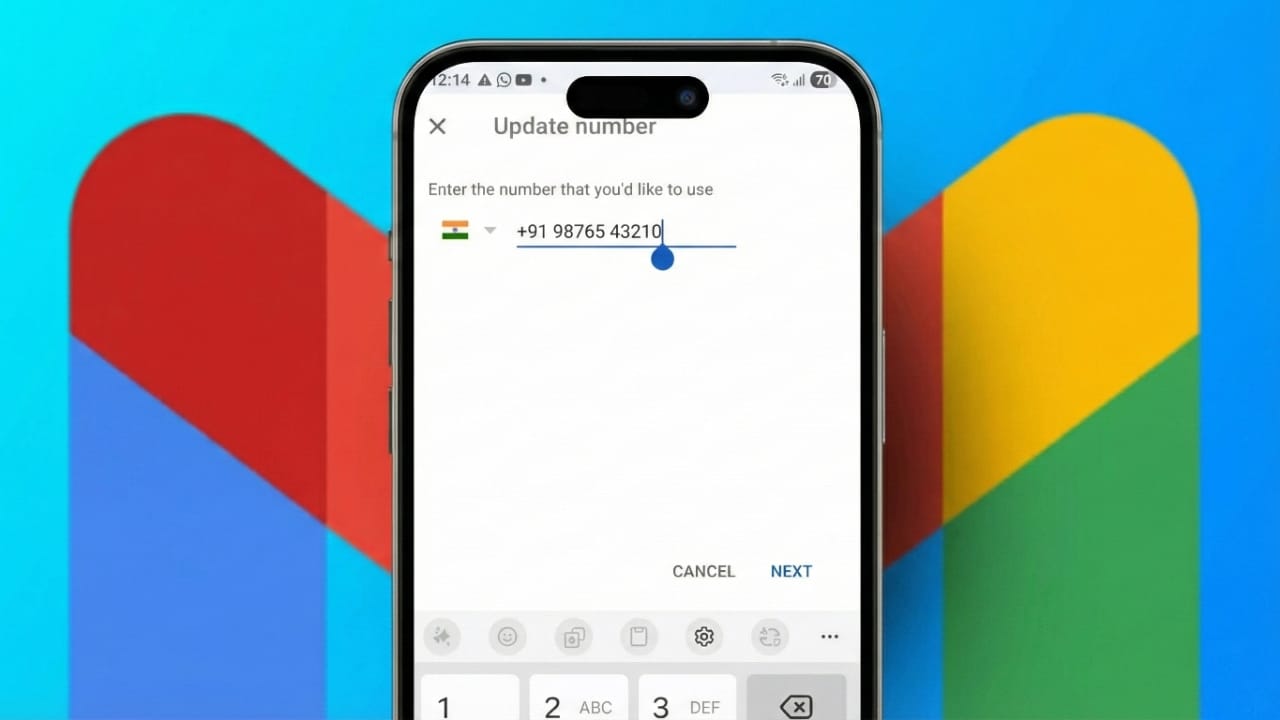
Keeping the correct phone number linked to your Google and Gmail account is very important for account safety. Many people change their number because they move to a new place, switch SIM cards, or stop using an old number. If your account still has an inactive number, you may miss security alerts or face problems when trying to recover your account.
A working phone number helps Google confirm it’s really you. It also makes password recovery easier if you ever get locked out. Updating this detail is a small step, but it plays a big role in protecting your account.
Also read: How to Switch Accounts on WhatsApp for iOS and Android
Why updating your phone number matters
Google uses your phone number to send login codes, security warnings, and recovery messages. If the number no longer belongs to you, someone else could receive these messages. This can create serious security risks.
An outdated number can also stop you from signing in when Google needs extra verification. By keeping your contact details current, you reduce the chance of account trouble in the future.
How to change your phone number on Google
Google allows you to update your phone number through your Google Account settings. You can do this from any device, including Android phones, iPhones, tablets, or computers.
Start by opening a browser and visiting myaccount.google.com. Sign in using your email and password. If you are using the Gmail app, tap your profile picture and choose Manage your Google Account. This will take you to the main account settings page.
Steps to add and confirm a new number
Once you are inside your account settings, open the Personal info section. Scroll down until you find Contact info. Here, you will see your current phone number listed.
Tap on the phone number and select the edit option. Google will ask you to enter your password again. This step helps prevent unauthorized changes.
After confirming your identity, enter your new phone number carefully. Google will send a verification code by text message. Enter the code on the screen to confirm that the number belongs to you.
When verification is complete, the new number will appear on your account. You can remove the old number if you no longer use it. This avoids confusion and improves security.
For safety reasons, Google may take a few days before allowing sensitive actions, such as password recovery, using the new number. This waiting period helps protect your account from misuse.
Things to check after updating your number
Changing your phone number in your Google Account does not always update every Google service automatically. Some apps may store contact details separately.
You may want to review apps like Google Calendar or Chrome and update your number there if needed. If you manage more than one Google account, repeat the process for each one. People who move to another country should always update their number to prevent login issues.
Also read: UIDAI Announces New Aadhaar App Feature to Update Mobile Numbers from Home
Final thoughts
Updating the phone number linked to your Google and Gmail account is a simple but important task. A correct number helps keep your account secure and makes recovery easier if something goes wrong.
The process only takes a few minutes, but it adds an extra layer of protection to your personal data. Make it a habit to keep your account information up to date so you can use Google services without worry.

Abhi Rajput, founder of EarnAbhi.in, is a tech lover with 6+ years of experience in SEO, digital tools, and smartphone troubleshooting. He writes simple, clear, and useful guides to help people solve real tech problems.