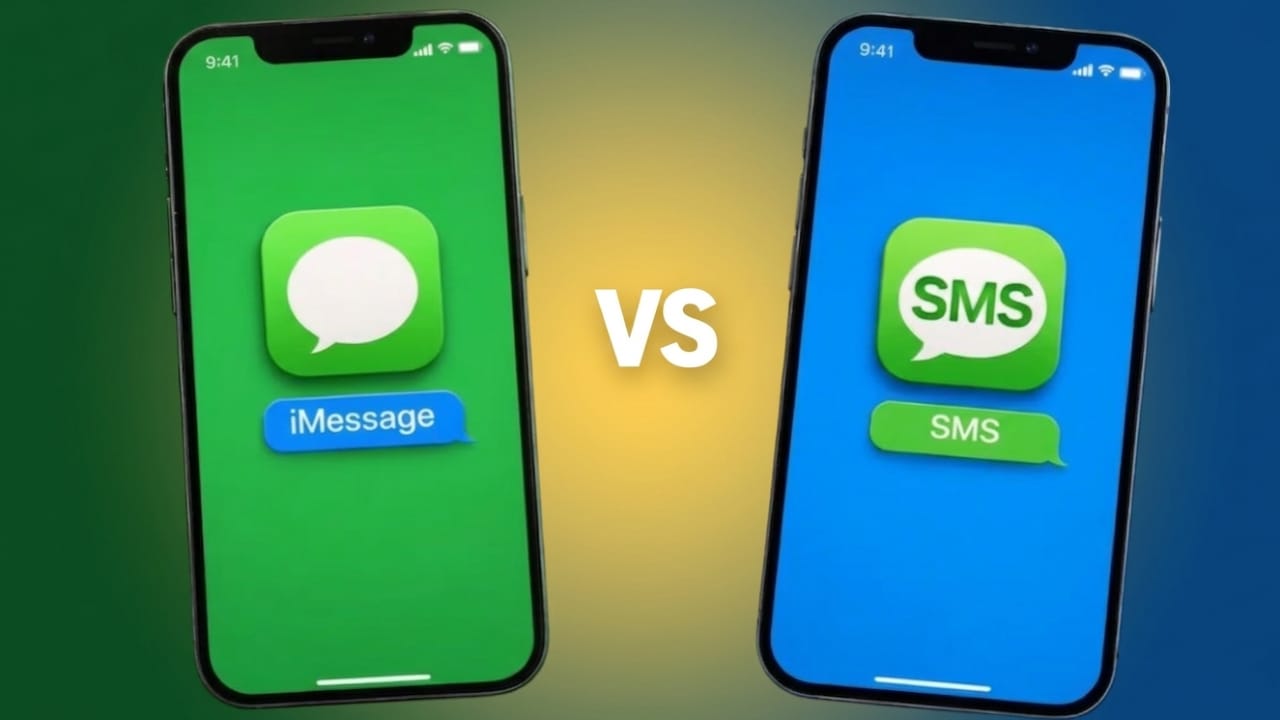
At first glance, iMessage and SMS may seem the same—they both let you send texts from your iPhone. But behind the scenes, they work in completely different ways. If you’ve ever wondered why some messages appear in blue and others in green, this guide will clear things up in simple terms.
Why iPhones Use Different Message Types
Apple has started adding support for newer messaging standards like RCS, but it’s still limited and depends on your network provider. Because of that, most iPhone users continue to use either iMessage or SMS for everyday texting.
When you open the Messages app, you’ll notice two colors:
- Blue bubbles
- Green bubbles
These colors are not random—they show how your message is being sent.
Also read: How to Use Live Speech on iPhone, Mac, and Apple Watch (Simple Guide)
What is iMessage?
iMessage is Apple’s own messaging system designed only for Apple devices like iPhone, iPad, Mac, and Apple Watch.
Instead of using your mobile network for texting, iMessage works through the internet. That means it sends messages using Wi-Fi or mobile data via Apple’s servers.
How to recognize it:
Messages appear in blue bubbles.
Key benefits of iMessage:
- Sends messages over the internet
- Keeps conversations secure with encryption
- Allows high-quality photo and video sharing
- Shows typing indicators and read receipts
- Supports reactions, effects, stickers, and apps
- Syncs across all Apple devices seamlessly
In short, iMessage offers a richer and more interactive chat experience.
What is SMS?
SMS (Short Message Service) is the traditional way of sending text messages. It works through your mobile carrier instead of the internet.
This system has been around for decades and works on almost every phone, including Android devices.
How to recognize it:
Messages appear in green bubbles.
Key features of SMS:
- Works on all mobile phones
- Uses your cellular network
- Does not require internet
- Limited to basic text messaging
- Media (photos/videos) is often compressed
- No typing indicators or read receipts
SMS is simple and reliable, especially when internet access is weak or unavailable.
iMessage vs SMS: Main Differences
Here’s a clear breakdown of how they differ:
- Network Used
iMessage uses internet (Wi-Fi or data)
SMS uses your mobile carrier network - Device Compatibility
iMessage works only between Apple devices
SMS works on all phones - Message Color
iMessage = Blue
SMS = Green - Internet Requirement
iMessage needs internet
SMS does not - Media Quality
iMessage sends high-quality media
SMS compresses files heavily - Features
iMessage includes read receipts, typing indicators, and effects
SMS is limited to basic texting - Security
iMessage is encrypted
SMS is not - Cost
iMessage uses data (usually no extra SMS charges)
SMS may count toward your texting plan
Also read: How to Stop iPhone Calls from Ringing on Your Mac and iPad
How Your iPhone Chooses Between iMessage and SMS
Your iPhone automatically decides how to send a message based on a few conditions:
1. If the Other Person Uses iPhone
If the recipient has iMessage enabled, your message is sent as iMessage (blue bubble).
2. If the Other Person Uses Android or Another Device
If iMessage isn’t available, your iPhone switches to SMS (green bubble).
3. If You Don’t Have Internet
Without Wi-Fi or mobile data, iMessage won’t work. Your phone will send the message as SMS instead.
4. If iMessage Fails
If a message doesn’t go through via iMessage, your iPhone can resend it as SMS (if this option is turned on in settings).
Why Blue and Green Bubbles Matter
The color of your messages tells you more than just the type—it also hints at what features you can use.
- Blue bubbles (iMessage)
You get better media quality, read receipts, typing indicators, and more interactive features. - Green bubbles (SMS/MMS)
You’re limited to basic texting, and media quality is reduced.
So, the color helps you quickly understand what kind of experience to expect in a conversation.
Also read: How to Stop iMessage From Syncing Across Apple Devices (Easy Guide)
Final Thoughts
Knowing the difference between iMessage and SMS makes using your iPhone much easier.
iMessage gives you a modern, feature-rich messaging experience using the internet, while SMS remains a simple and universal option that works without data.
Once you understand how they work, those blue and green bubbles won’t feel confusing anymore—they’ll actually be helpful.
If you still have questions about iPhone messaging or want tips to improve your chat experience, feel free to ask!

Abhi Rajput, founder of EarnAbhi.in, is a tech lover with 6+ years of experience in SEO, digital tools, and smartphone troubleshooting. He writes simple, clear, and useful guides to help people solve real tech problems.