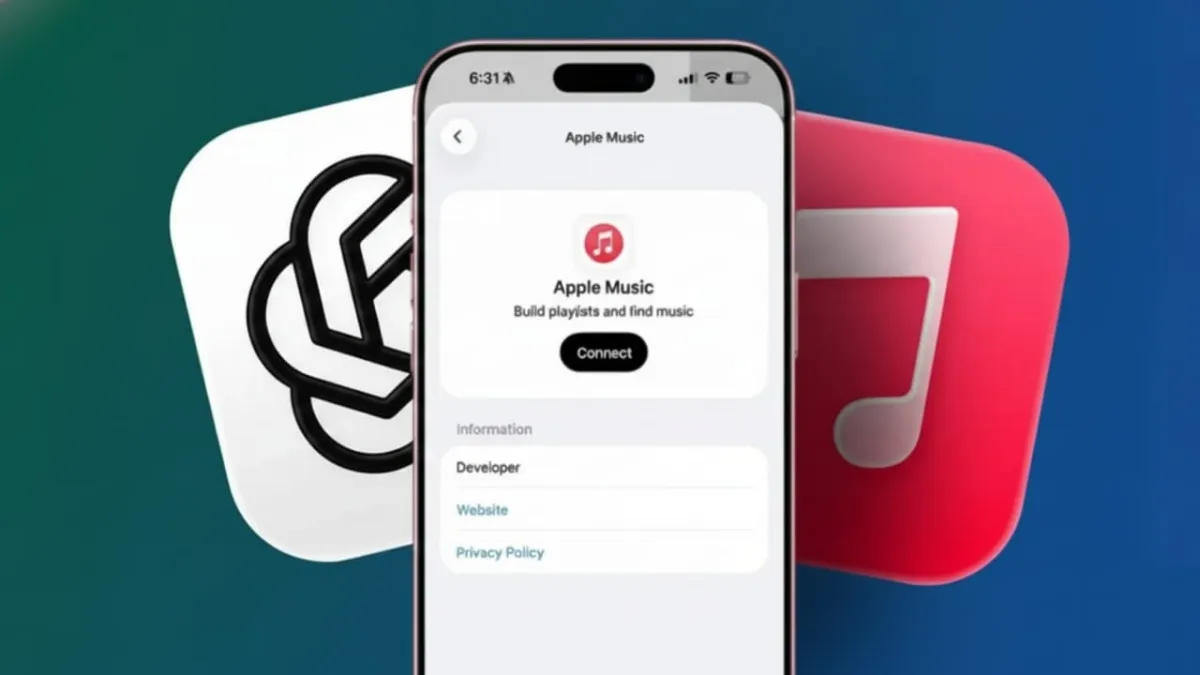
Apple Music can now be used directly inside ChatGPT, making music discovery much easier than before. Instead of typing exact song or artist names, you can simply describe what you feel like listening to. ChatGPT understands natural language and helps you find the right music without effort.
Advertisements
This feature is especially useful for people who search by mood, memories, or general ideas rather than specific titles. You can also create playlists through normal conversation and save them straight to your Apple Music account.
Also read: How to Use ChatGPT 5.2: A Simple Guide for Beginners
Key Highlights
- Find music using moods, emotions, or loose ideas
- Create full playlists in seconds through chat
- Save playlists directly to Apple Music
- ChatGPT helps with discovery, while Apple Music handles playback
What the Apple Music Feature in ChatGPT Does
Apple Music is now available through the ChatGPT Apps section. Once connected, you can ask for music recommendations in a natural way. You don’t need to remember exact song names anymore.
You can describe a feeling, a situation, or even a vague memory. ChatGPT can suggest songs, artists, or genres that match your request. It can also build complete playlists based on your description.
Only short previews play inside the chat. Full songs always open and play in the Apple Music app. ChatGPT does not control downloads, offline listening, or your listening history.
Over time, ChatGPT may use your recent chats to suggest similar music. This makes recommendations feel more personal, but they are based only on conversation context, not deep account data.
How to Connect Apple Music to ChatGPT
To get started, you need a ChatGPT account. This feature works on the web and on iOS.
Open ChatGPT and sign in. Go to the Apps section and choose Apple Music from the list. You’ll be asked to sign in with your Apple ID and allow access.
The permissions are limited. ChatGPT can search for music and save playlists, but nothing more. Your privacy stays protected.
An active Apple Music subscription is needed if you want to save songs or playlists. Without a subscription, you can still listen to previews, but saving to your library won’t work.
Once connected, go back to the chat and type @AppleMusic to start. From there, you can search using normal conversation.
Why ChatGPT Is Better for Music Discovery
Apple Music’s regular search works well when you know exactly what you want. It’s fast for specific artists, albums, or songs. But it struggles when your idea is unclear.
ChatGPT is better at handling loose or emotional requests. You can ask for calm late-night music, soft electronic tracks, or alternative songs without heavy sounds. You can also adjust your request step by step without starting over.
Another helpful feature is explanations. ChatGPT often tells you why a song or artist fits your request. This makes it easier to choose and refine results.
Playlist creation is where ChatGPT really shines. A simple idea can turn into a full playlist in seconds. You can later edit the playlist inside Apple Music if needed.
Other Apps Inside ChatGPT
Apple Music is just one of several apps available in ChatGPT. There are also tools for design, travel planning, and learning. These apps expand what ChatGPT can do beyond simple conversation.
Developers can submit new apps, and more features are expected to arrive in the future.
Also read: How to Use Your iPhone as a Webcam on Windows (Easy Step-by-Step Guide)
Final Thoughts
Using Apple Music through ChatGPT feels natural and flexible. It removes the frustration of traditional music search and replaces it with simple conversation.
ChatGPT helps you discover and organize music, while Apple Music takes care of listening and playback. This setup is ideal for people who enjoy creating playlists or exploring new sounds.
Overall, it offers a smarter and more enjoyable way to find music.

Abhi Rajput, founder of EarnAbhi.in, is a tech lover with 6+ years of experience in SEO, digital tools, and smartphone troubleshooting. He writes simple, clear, and useful guides to help people solve real tech problems.
Advertisements