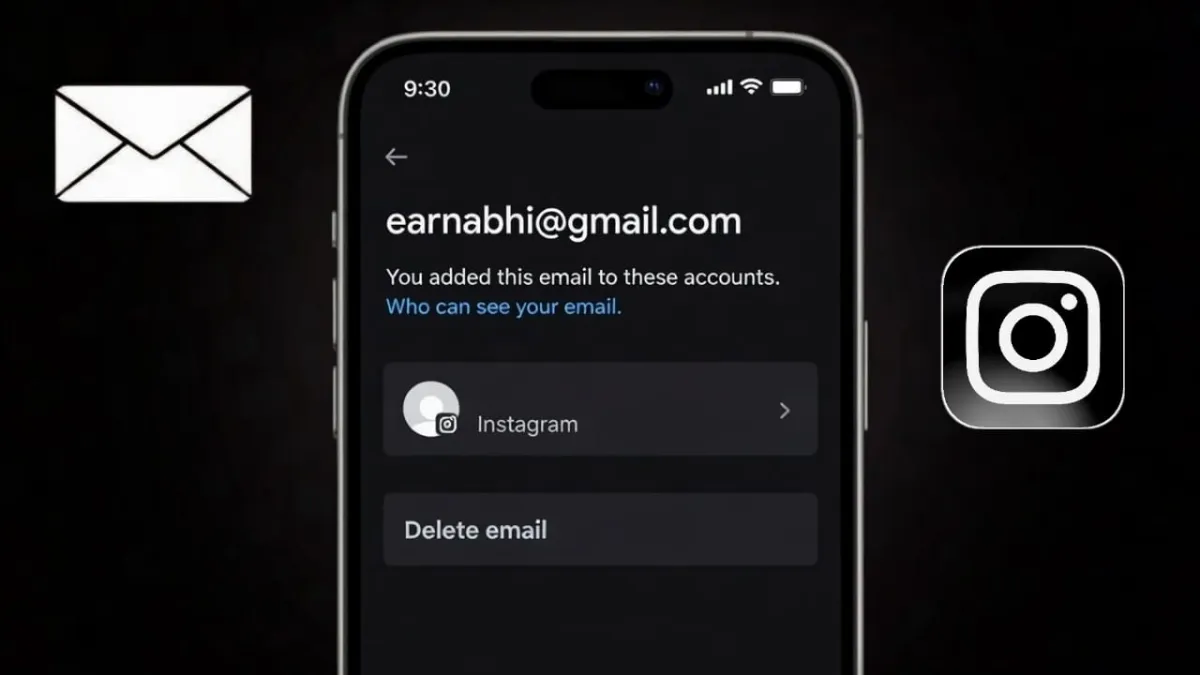
Many people forget the email they used when they first created their Instagram account. This usually happens if the account is very old or was made with a backup email that is no longer in daily use. Still, knowing your linked email is important because Instagram depends on it for security, alerts, and account recovery.
Advertisements
Below is a simple and official guide to help you find the email connected to your Instagram account. No external apps or unsafe methods are required.
Also read: How to Turn Off Active Status on Instagram: A Simple Privacy Guide
Why Instagram Asks for an Email Address
Instagram keeps your email on record to protect your account and communicate with you when needed. Your email is mainly used for:
- Sending login and security alerts
- Helping you reset your password
- Confirming that the account belongs to you
- Reducing the risk of unauthorized access
If you no longer have access to this email, getting your account back in the future can be harder.
Check Your Email from Instagram App Settings (Best Method)
This is the safest and most accurate way to see your registered email.
Steps for Android and iPhone
- Open the Instagram app
- Tap your profile photo at the bottom
- Tap the menu (three lines) in the top corner
- Open Settings and privacy
- Go to Accounts Center
- Tap Personal details
- Select Contact information
Here, you will see the email currently linked to your account.
Find Your Email Using the Edit Profile Option
In some accounts, Instagram also shows the email inside profile settings.
- Go to your profile
- Tap Edit profile
- Look for the Email address field
If privacy settings are active, the email may appear partially hidden, but it can still help you recognize it.
Identify Your Email Through Password Recovery
If you are logged out or cannot access settings, this method can still give you a clue.
- Open the Instagram login page
- Tap Forgot password
- Enter your username
- Instagram will show a partially hidden email
This masked email is often enough to remind you which email account you used.
What If You No Longer Use That Email?
If the linked email is old or inactive, it is best to replace it with a new, working one as soon as possible.
How to Update Your Email on Instagram
- Open Settings and privacy
- Go to Accounts Center
- Tap Personal details
- Open Contact information
- Add a new email address
- Verify it using the code sent by Instagram
After confirmation, the new email will be used for all future messages and recovery options.
Does Changing Your Email Affect Your Account?
No. Updating your email does not change anything visible on your profile. Your:
- Followers
- Chats
- Photos and videos
- Stories
All remain exactly the same. Only your contact and security details are updated.
Simple Tips to Avoid Email Problems in the Future
- Use one main email for social media accounts
- Avoid using temporary or disposable emails
- Keep two-factor authentication turned on
- Update your email if you switch phones or lose access
These small habits can prevent major account issues later.
Also read: How to Add Pronouns on Instagram Profile (Easy Step-by-Step Guide)
Final Words
Finding the email connected to your Instagram account is easy when you use the app’s built-in options. Whether you check it through settings or identify it during password recovery, Instagram gives you safe and official ways to manage your information. Always keep an active email linked to your account to stay secure and stress-free.

Abhi Rajput, founder of EarnAbhi.in, is a tech lover with 6+ years of experience in SEO, digital tools, and smartphone troubleshooting. He writes simple, clear, and useful guides to help people solve real tech problems.
Advertisements