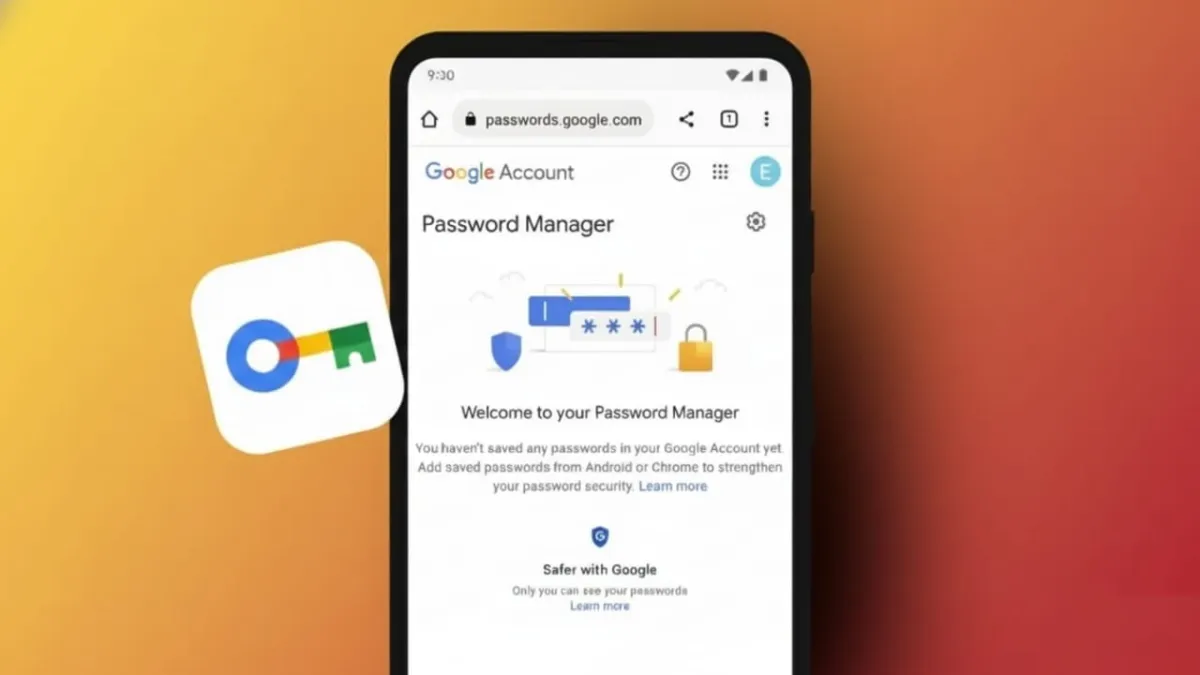
Managing dozens of online accounts has become normal today. Every account needs a different, strong password, but remembering all of them is nearly impossible. This is where password manager apps become useful. They help store and protect your login details so you don’t have to rely on memory.
Advertisements
However, using a password manager correctly is just as important as choosing one. This article explains, in simple language, how password managers work and how to use them safely in daily life.
Also read: Apple Watch Brings High Blood Pressure Alerts to Users in India
Why Password Managers Matter
Using the same password everywhere puts all your accounts at risk. If one website gets hacked, attackers can access everything else. Password managers solve this problem by creating and saving strong, unique passwords for each account. You only need to remember one master password.
When used properly, these tools reduce stress and improve online security.
Choosing a Safe Password Manager
Not every password manager offers the same level of protection. A reliable option should encrypt your data before it leaves your device. This means your information stays unreadable to anyone else, including the service provider.
Look for apps that follow a “zero-knowledge” approach. This design ensures that only you can see your stored data. Extra login protection, such as multi-factor authentication (MFA), is another must-have feature. It adds an extra step during login, making unauthorized access much harder.
Support for multiple devices is also helpful. A good manager should work smoothly on phones, tablets, and computers without lowering security. Independent security audits are a strong sign that an app follows strict safety standards.
Well-known password managers often include features like password generators, secure storage for payment details, and encrypted autofill. Some also offer secure sharing options, device syncing, and additional privacy tools.
Setting Up Your Password Manager the Right Way
Security starts during setup. Your master password is the key to your entire vault, so it must be long, unique, and hard to guess. Avoid using personal details or common words. Never save this master password inside the app itself.
Turning on multi-factor authentication adds another layer of safety. This way, even if someone guesses your master password, they still won’t be able to log in easily.
Avoid enabling automatic login on shared or public devices. These settings are safer for personal devices only. If your password manager allows backups, use encrypted backups and store them in a safe place.
Most trusted apps encrypt your data on your device before syncing it across platforms. This keeps your information protected while allowing easy access everywhere. Some tools also provide alerts if your data appears in known data leaks, giving you time to act quickly.
Using Password Managers Safely Every Day
Daily habits play a big role in long-term security. Always use a different password for each account. Password managers make this easy by generating strong passwords automatically.
Pay attention to security alerts from your app. If a website you use gets breached, change the password immediately. Autofill tools are convenient, but use them carefully. Some fake websites are designed to look real and can trick autofill systems.
Always log out after using a password manager on work or shared devices. Updating important passwords regularly adds extra protection, especially after security incidents.
Be aware that different types of password managers have limitations. Browser-based tools may lack advanced encryption. Offline managers can be risky if your device is lost or damaged. Understanding these limits helps you make safer choices.
Also read: WhatsApp’s New 2026 Stickers Make New Year Greetings Simple and Fun
Final Thoughts
Using password manager apps safely is one of the simplest ways to protect your digital life. With strong setup practices and smart daily habits, these tools can greatly reduce the risk of account theft.
Choose a trusted app, create a strong master password, enable extra security features, and stay alert during everyday use. When handled properly, a password manager becomes a powerful and easy solution for keeping your online accounts secure.

Abhi Rajput, founder of EarnAbhi.in, is a tech lover with 6+ years of experience in SEO, digital tools, and smartphone troubleshooting. He writes simple, clear, and useful guides to help people solve real tech problems.
Advertisements