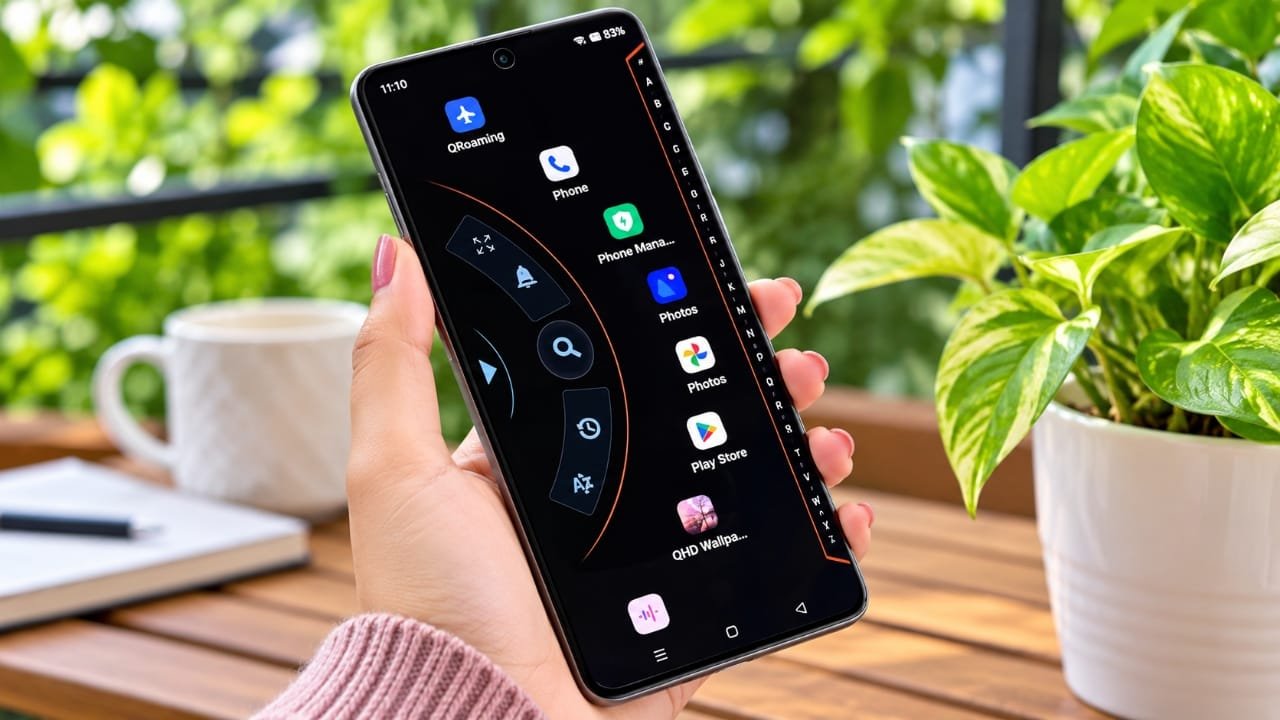
The home screen is one of the first things we see whenever we use our smartphone. If you are bored with the standard Android interface and want something more stylish, a launcher can be a simple way to change its appearance.
Alpha Hybrid Launcher 4D is a customization app designed to give your phone a different home screen experience. It offers themes, icons, visual effects, and other customization options that can help you create a look that matches your personal style.
Advertisements
Also read: Privacy Display: Screen Filter App Review: Features, Uses, and Privacy Details
What Is Alpha Hybrid Launcher 4D?
Alpha Hybrid Launcher 4D is an Android launcher that changes the appearance and layout of your phone’s home screen. Instead of using the default launcher, you can use this app to add a more dynamic and visually enhanced interface.
Depending on your device and the features available in the app, you may be able to customize different parts of the home screen, including themes, icons, fonts, colors, and visual effects.
The actual experience can vary depending on your smartphone model, Android version, and the app version you are using.
Key Features of Alpha Hybrid Launcher 4D
1. 3D and 4D-Style Themes
One of the main attractions of the launcher is its collection of visually enhanced themes. These designs can give the home screen a more dynamic appearance compared with a standard Android interface.
Some effects may include animations, depth-style visuals, and other graphical elements.
2. Home Screen Customization
The launcher provides customization options so you can change the look of your phone according to your preferences.
Depending on the available options, you may be able to adjust things such as:
- App icons
- Wallpapers
- Fonts
- Colors
- Home screen layouts
- Visual effects
This can be useful if you prefer a personalized interface instead of the default phone design.
3. Simple Home Screen Experience
A launcher is not only about appearance. It also changes how you access apps and interact with the home screen.
Alpha Hybrid Launcher 4D aims to provide a different way to organize and navigate your phone. However, how smoothly it works can depend on your device’s hardware and available resources.
4. Double-Tap Lock
The launcher may also offer a double-tap option for locking the screen. When supported and enabled, you can lock the device by tapping the home screen twice instead of pressing the physical power button.
This can be convenient for users who prefer quick screen-lock controls.
5. Different Visual Options
If you enjoy experimenting with smartphone themes, the launcher can provide different visual choices. You can try different designs and select the one that suits your taste.
Keep in mind that some customization options may be available only in specific versions or may require an in-app purchase.
How to Use Alpha Hybrid Launcher 4D?
Getting started with a launcher is generally straightforward.
- Install the app from a trusted source such as the Google Play Store, if it is available for your device.
- Open the application and follow the initial setup instructions.
- Allow only the permissions that are necessary for the features you want to use.
- Select a theme or home screen style.
- Customize icons, wallpapers, fonts, or other available settings.
- Set the launcher as your default home app if you want to use it regularly.
Before installing any application, it is a good idea to check its current developer information, ratings, reviews, permissions, and privacy details.
Things to Consider Before Using It
Although a launcher can make your phone look different, there are a few things you should keep in mind.
Some advanced themes or customization tools may be locked behind in-app purchases. Also, animated or graphics-heavy effects can use additional system resources on certain devices.
Older or less powerful smartphones may not provide the same smooth experience as newer devices. If you notice increased battery usage, slower animations, or other performance changes, consider reducing visual effects or switching back to your phone’s default launcher.
Is Alpha Hybrid Launcher 4D Worth Trying?
If you enjoy customizing your smartphone and want an alternative to the standard Android home screen, Alpha Hybrid Launcher 4D may be worth exploring.
Its main appeal is the ability to experiment with different themes, icons, layouts, and visual effects. However, the available features and performance may vary from one device to another.
For the safest experience, download the app from a trusted source, review its permissions carefully, and check recent user feedback before installing it.
Official Play Store App Link
Also read: Gravity Locket: UI Shortcut App for a Floating Android Home-Screen Experience
Conclusion
Alpha Hybrid Launcher 4D offers a way to give your smartphone’s home screen a fresh and more personalized appearance. With theme options, customization tools, and visual effects, it can be an interesting choice for users who like changing the standard Android interface.
Just remember that the experience may differ depending on your phone and the version of the launcher. If you prefer a simple interface, the default launcher may still be the better option. If customization is important to you, trying a new launcher can be an easy way to refresh the look of your device.

Abhi Rajput, founder of EarnAbhi.in, is a tech lover with 6+ years of experience in SEO, digital tools, and smartphone troubleshooting. He writes simple, clear, and useful guides to help people solve real tech problems.
Advertisements