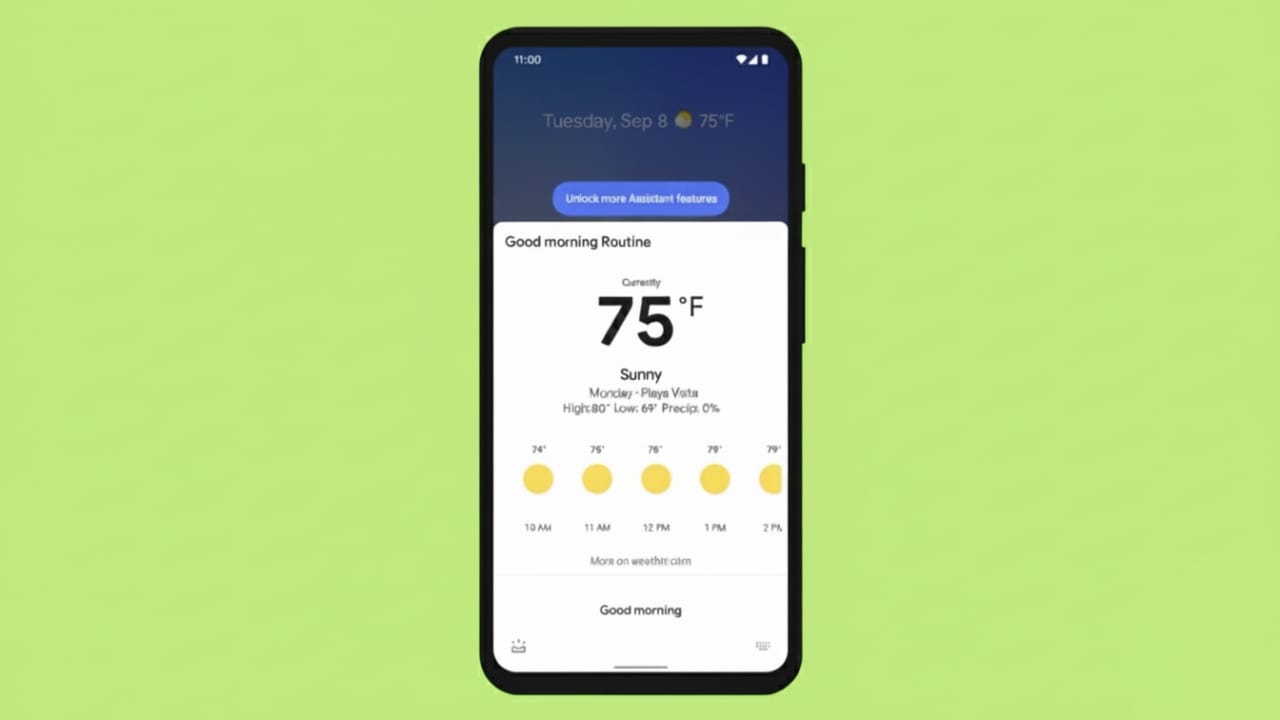
Google Assistant Routines are designed to simplify daily activities. Instead of doing small tasks one by one, you can let your phone or smart devices handle them automatically. From checking your schedule to controlling lights and sounds, routines help you manage your day with less effort.
These routines are useful at different times of the day, such as mornings, work hours, cooking time, travel, and bedtime. Once set up, they save time and help you stay relaxed and organized. This guide explains everything in clear and simple language so anyone can follow along.
Also read: Voice Recognition Lock Screen App: A Smarter Way to Protect Your Phone
What You Should Know at a Glance
- Google Assistant Routines automate common daily actions
- You can start routines using voice commands or fixed times
- Ready-made routines are available for morning, night, travel, and more
- Custom routines can be edited anytime
Setting Up Google Assistant Routines
Creating a routine is straightforward and does not require technical skills. A routine allows Google Assistant to perform multiple actions together, such as playing music, adjusting volume, switching lights on or off, or reading reminders.
To begin, open the Google Assistant or Google Home app on your phone. Sign in with your account and scroll until you find the Routines option. Tap it, then choose to create a new routine.
You can decide how the routine starts. It can be triggered by a simple voice phrase or at a specific time of day. After that, select the actions you want the assistant to perform. The app also suggests useful actions based on your daily habits.
Google provides ready-made routines like Good Morning, Bedtime, and Commuting, which you can use as they are or customize according to your needs. You can also choose which device the routine should run on, such as your phone or a smart speaker.
Using Routines in Daily Life
Once routines are active, managing your day becomes much easier.
Morning routines help you wake up peacefully. Google Assistant can tell you about your schedule, adjust phone sounds, turn on lights gradually, and play gentle background audio. It can also share travel time and traffic updates before you leave.
Night routines help you slow down. The assistant can silence notifications, lower light brightness, play calm music for a set time, and help create a relaxing sleep environment.
Cooking routines are helpful in the kitchen. Google Assistant can play music, guide you through recipes step by step, and manage multiple timers. If needed, you can still check the recipe on your phone or smart display.
Work routines help structure your day. The assistant can remind you to take breaks, review completed tasks, or start entertainment when your work hours end.
Travel and arrival routines add convenience. If you misplace your phone, the assistant can play a sound even in silent mode. When you return home, it can turn on lights, adjust room temperature, play music, or suggest meal ideas based on available ingredients.
Adjusting Routines for Changing Plans
One of the best things about Google Assistant Routines is flexibility. You can edit or pause routines anytime. If your schedule changes, you can adjust alarms, update actions, or disable routines temporarily.
When traveling, the assistant can help save energy by keeping devices off. It can also remind you of important events, suggest nearby places, or notify you about upcoming plans.
Also read: A Simple Guide to Using Google Calendar Smart Features for Better Planning
Final Thoughts
Google Assistant Routines make everyday life smoother by handling small tasks automatically. Whether it’s starting your day, cooking meals, managing work hours, or preparing for sleep, routines reduce effort and save time.
They are easy to set up, simple to use, and require very little learning. Anyone can benefit from them and enjoy a more comfortable and organized daily routine.

Abhi Rajput, founder of EarnAbhi.in, is a tech lover with 6+ years of experience in SEO, digital tools, and smartphone troubleshooting. He writes simple, clear, and useful guides to help people solve real tech problems.