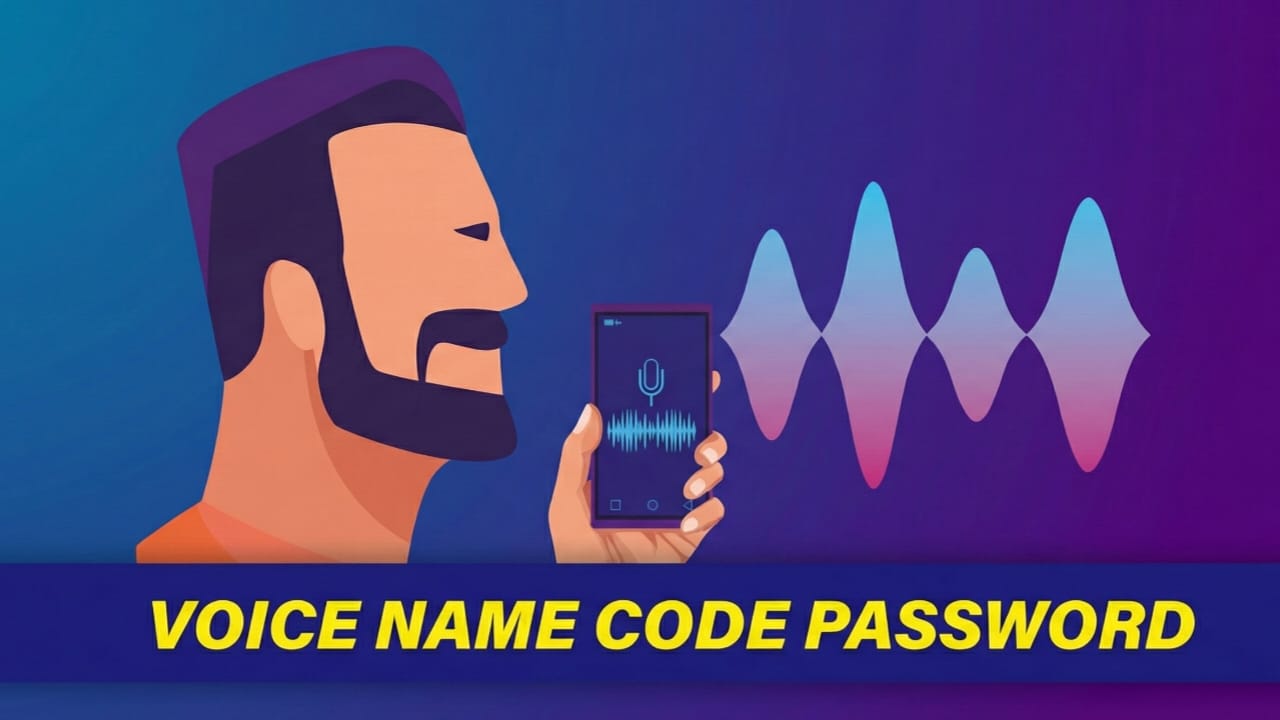
Keeping a smartphone secure is important, especially when it holds personal photos, messages, and private data. The Voice Recognition Lock Screen app offers a different approach to phone protection by allowing users to unlock their device using their own voice. This app is built for Android users who like hands-free features and want to try something beyond traditional locks.
Instead of relying only on PINs, patterns, or fingerprints, this app introduces voice-based unlocking. Many users find this idea interesting and refreshing, which is reflected in its generally positive reviews on the Play Store.
Also read: Designer Tools Pro App: A Practical Tool for Better UI Design
What Makes This App Different?
The Voice Recognition Lock Screen app adds an extra layer of security by using your voice as a key. You record a custom voice password, and the app matches it whenever you try to unlock your phone. Since every person’s voice is unique, this method feels more personal than common lock options.
The app is designed with simplicity in mind. Even beginners can set it up without confusion. The layout is clean, and the steps are easy to follow, making the overall experience smooth.
Important Note:
This app should be used responsibly and within ethical boundaries. Always follow privacy rules and Google’s guidelines. It is meant for personal security only and should never be used to interfere with others’ privacy or bypass system protections.
Main Features
- Unlock your phone using a custom voice command
- Simple setup process with clear instructions
- Option to add a backup PIN for safety
- Clean and user-friendly interface
- Stable performance with normal battery usage
The app works reliably during daily use and does not cause major slowdowns or crashes. While it is free to download, some extra features are offered through optional in-app purchases. These are not required for basic functionality.
Advantages and Limitations
Pros
- Unique voice-based locking system
- Easy to use, even for first-time users
- Smooth performance without major issues
- Free version available
Cons
- Voice may need to be re-recorded from time to time
- Can struggle in noisy surroundings
- Requires certain permissions to function properly
How to Use the App
After installing the app, you will be asked to record your voice password. Choose simple words that are easy for you to repeat clearly. For added security, you can also set a backup PIN in case voice recognition does not work at times. If you ever feel the voice lock is unnecessary, you can turn it off from the settings. This flexibility makes the app suitable for different user preferences.
Install
Also read: Raise High Volume App: A Simple Way to Increase Phone Sound Safely
Final Thoughts
The Voice Recognition Lock Screen app brings a creative twist to smartphone security. While it may not replace traditional locking methods for everyone, it can be a fun and useful option for users who enjoy hands-free access. It works best in quiet environments and for people who like trying new security features.
If you are curious about voice-based phone protection and want something different from standard locks, this app is worth a try.

Abhi Rajput, founder of EarnAbhi.in, is a tech lover with 6+ years of experience in SEO, digital tools, and smartphone troubleshooting. He writes simple, clear, and useful guides to help people solve real tech problems.