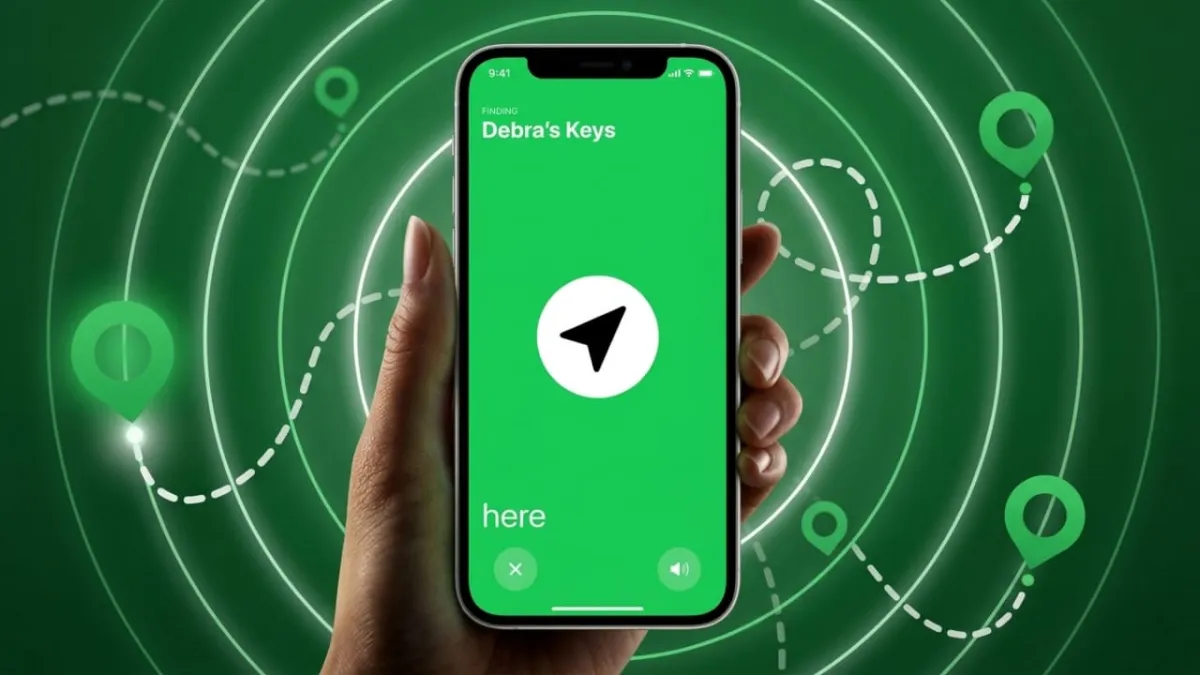
Losing your phone can be stressful, especially when it’s turned off. The good news is that you still have a few reliable ways to find its last known location. With the right tools already enabled, you can track where your phone was before it went offline.
Let’s go step by step in a simple and practical way.
Also read: How to Share Live Location on WhatsApp (Easy Step-by-Step Guide)
Use Built-In Tracking Features (Best Option)
Most smartphones come with inbuilt tracking systems. These tools don’t work in real-time if the phone is off, but they can show the last recorded location.
For Android Users (Find My Device)
If you use an Android phone, Google provides a free tracking service.
Steps to follow:
- Open a browser and go to: android.com/find
- Log in using the same Google account linked to your phone
- Select your device from the list
- You will see the last known location on the map
Important things to remember:
- The feature must be enabled before the phone is lost
- Location services should have been turned on
- The device must have been connected to the internet earlier
You also get options to lock your phone or erase data remotely, which helps keep your information safe.
For Samsung Users (Find My Mobile)
Samsung devices have an extra tracking service.
Steps to use:
- Visit: smartthingsfind.samsung.com
- Log in with your Samsung account
- Choose your lost device
- The last recorded location will appear
Useful feature:
- If offline tracking is enabled, the phone can still share limited location data even without internet.
Requirements:
- Samsung account must be active
- Tracking feature should be enabled beforehand
- Location must have been turned on
Also read: Google Messages Introduces Real-Time Location Sharing for Android
For iPhone Users (Find My)
Apple users can use the “Find My” feature.
Using another Apple device:
- Open the Find My app
- Select your lost iPhone
- Check the last known location
Using a browser:
- Go to: iCloud.com/find
- Sign in with your Apple ID
- Select your device from “All Devices”
Extra advantage:
- Newer iPhones (iPhone 11 and above) can share location even after being turned off, if the feature is enabled
Helpful setting:
- Turn on “Send Last Location” to automatically share location when battery is low
Use Google Maps Timeline (Backup Method)
If tracking services were not enabled, Google Maps may still help.
Steps:
- Visit: google.com/maps/timeline
- Log in with your Google account
- Select the current date
- View the phone’s recent movement and last location
Requirements:
- Location History must be turned on
- Google Maps should have location permission
This method works for both Android and iPhone and can give useful past location details.
Use Third-Party Tracking Apps
There are apps designed to track phones and family members. These can provide extra features but must be installed in advance.
Example: AirDroid Family Locator
What it offers:
- Live location tracking
- Low battery alerts
- Helps you act before the phone switches off
Keep in mind:
- The app must be set up before the phone is lost
Other Tracking Apps
Some apps also provide:
- Location tracking
- Activity monitoring
- Remote device control
Tips before using any app:
- Download only from trusted sources
- Check user reviews
- Give proper permissions
- Test the app after setup

Also read: Instagram Tests a Paid Subscription With New Features
Final Thoughts
Even if your phone is switched off, you can still find clues about its location. Built-in tools like Google’s Find My Device or Apple’s Find My are the most reliable. Google Maps Timeline can also help if other options were not active.
The key is preparation. Turn on these features in advance so you can act quickly if your phone ever goes missing.

Abhi Rajput, founder of EarnAbhi.in, is a tech lover with 6+ years of experience in SEO, digital tools, and smartphone troubleshooting. He writes simple, clear, and useful guides to help people solve real tech problems.