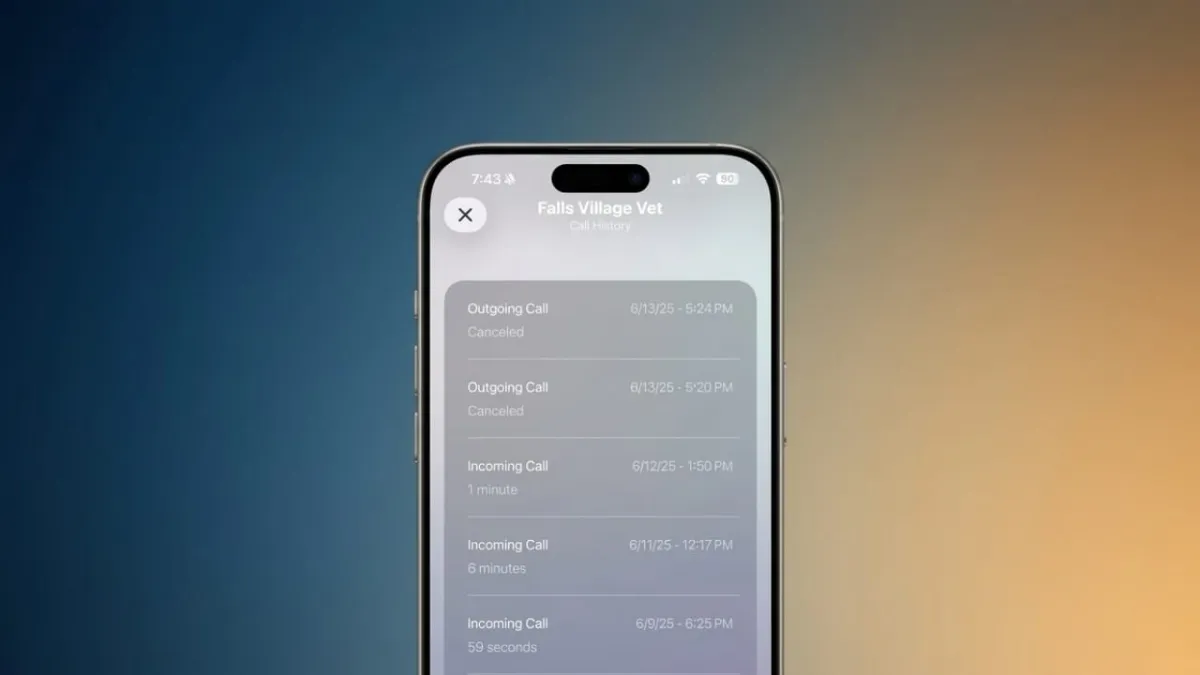
Losing your call history on an iPhone can be frustrating, especially when you need an important number or detail. The good part is that deleted call logs are not always gone forever. In many cases, you can still get them back—if you act quickly and use the right method.
This guide explains simple and practical ways to recover deleted call history on your iPhone in a safe and reliable way.
Advertisements
Also read: How to Use Photographic Styles on iPhone (Simple Guide)
Is It Possible to Recover Deleted Call Logs?
Yes, in many situations it is possible.
When you delete call history, your iPhone does not erase it immediately. Instead, the data stays hidden for some time until new information replaces it. That means recovery depends on:
- How recently the calls were deleted
- Whether you have a backup
- Whether the data has been overwritten
There are multiple ways to try recovery, and each works differently.
Method 1: Restore from iCloud Backup
If you use iCloud backup, this is one of the most trusted methods.
iCloud saves your data regularly, including call history. If your backup was created before the calls were deleted, you may be able to restore them.
Steps:
- Open Settings
- Go to General
- Tap Transfer or Reset iPhone
- Select Erase All Content and Settings
- Enter your passcode and continue
- During setup, choose Restore from iCloud Backup
- Sign in and pick an older backup
After the process finishes, check your call history.
Important:
This method will erase your current data and replace it with the backup. You cannot restore only call history.
Method 2: Restore from Computer Backup (Finder or iTunes)
If you have backed up your iPhone on a computer, you can use that backup to recover deleted calls.
Steps:
- Connect your iPhone to your computer
- Open Finder (Mac) or iTunes (Windows/older Mac)
- Select your device
- Click Restore Backup
- Choose a backup created before deletion
Once done, check your call history again.
Note:
This also replaces your current data with older data from the backup.
Also read: How to Track a Switched-Off Mobile Phone (Simple Guide)
Method 3: Use Recovery Software (Without Backup)
If you don’t have any backup, you can try recovery tools. These tools scan your iPhone to find deleted data that has not been overwritten yet.
Some commonly used tools include:
- PhoneRescue for iOS
- iMyFone D-Back
- Syncios Data Recovery
These tools may allow you to preview and recover specific data like call logs.
Be careful:
- Use only trusted software
- Avoid tools that ask for unnecessary permissions
- Results are not guaranteed
This method works best if the deletion happened recently and you haven’t used the phone heavily since.
Method 4: Request Data from Apple
Apple allows users to download a copy of their personal data.
Steps:
- Visit Apple’s Data & Privacy page
- Sign in with your Apple ID
- Choose Request a copy of your data
- Select the data you want
- Submit your request
Apple will email you when your data is ready.
Keep in mind:
- This process can take several days
- Call history may or may not be included
Method 5: Check with Your Mobile Carrier
Your mobile network provider keeps call records for billing purposes.
You can:
- Log in to your carrier’s app or website
- Check your account’s call details
- Contact customer support if needed
These records usually include:
- Phone numbers
- Call dates
- Duration
Note:
You cannot restore these logs back to your iPhone, but you can still access the details.
Which Method Should You Choose?
The right option depends on your situation:
- Have iCloud backup? → Use iCloud restore
- Have computer backup? → Use Finder/iTunes
- No backup? → Try recovery tools
- Want official method? → Request data from Apple
- Need only call details? → Check carrier records
Important Tips Before You Start
- Act quickly after deletion
- Avoid using your phone too much (to prevent overwriting data)
- Backups will replace current data
- Recovery tools are not always 100% reliable
- Carrier records are often available for a longer time
Also read: Truecaller Crosses 500 Million Monthly Users: A Big Step in Digital Safety
Final Thoughts
Deleting call history by mistake is common, but it doesn’t always mean the data is lost forever. With the right method—whether it’s a backup, a recovery tool, or carrier records—you still have a good chance of getting the information back.
The key is to choose the method that fits your situation and act as soon as possible.

Abhi Rajput, founder of EarnAbhi.in, is a tech lover with 6+ years of experience in SEO, digital tools, and smartphone troubleshooting. He writes simple, clear, and useful guides to help people solve real tech problems.