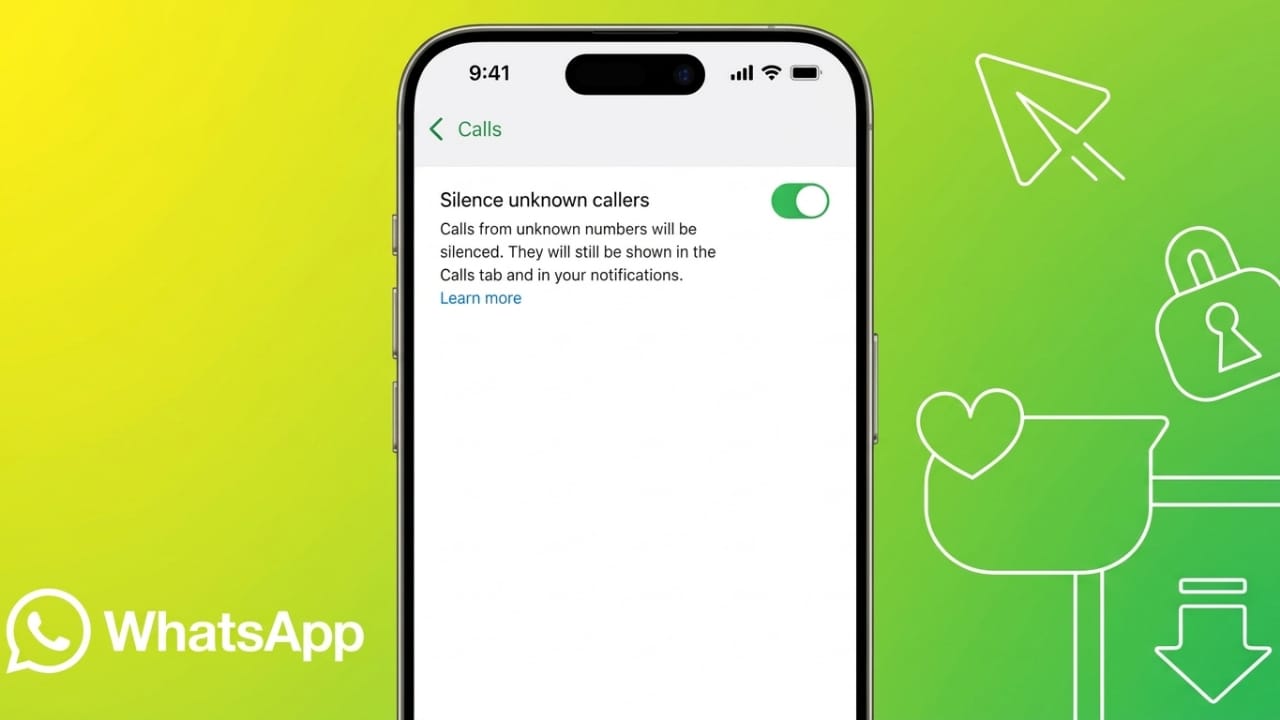
Getting calls from people you don’t know on WhatsApp can be annoying. Anyone who has your phone number can try to call you, even if their number is not saved in your contacts. Thankfully, WhatsApp offers a privacy feature that lets you silence these calls without blocking the caller.
In this guide, you’ll learn what this feature does, how to enable it on Android and iPhone, and what happens after you turn it on.
Advertisements
Also read: How to Connect a GoPro Camera to Your Phone and Transfer Videos
Key Highlights
- Silence calls from unknown numbers without blocking them.
- Check missed calls later in the WhatsApp Calls tab.
- Reduce spam calls and enjoy better privacy.
- Turn the feature on or off whenever you want.
What Does “Silence Unknown Callers” Mean?
The Silence Unknown Callers feature helps prevent interruptions from people you don’t know. When it is enabled, WhatsApp won’t ring or vibrate for calls from numbers that are not saved in your contacts or that you have never interacted with before.
This works for both voice and video calls. The call still reaches your WhatsApp account, but it arrives silently instead of disturbing you.
Keep in mind that this is not the same as blocking someone. The caller can still send messages and try calling again in the future.
This feature is especially useful if you receive frequent spam, promotional, or unwanted calls. It helps you stay focused while keeping your account more private.
How to Enable Silence Unknown Callers on Android
Follow these steps to turn on the feature:
- Open WhatsApp on your Android phone.
- Tap the three-dot menu in the top-right corner.
- Select Settings.
- Open Privacy.
- Scroll down and tap Calls.
- Turn on Silence Unknown Callers.
The setting takes effect immediately. Future calls from unknown numbers will no longer ring loudly.
How to Enable Silence Unknown Callers on iPhone
If you use an iPhone, here’s how to enable it:
- Open WhatsApp.
- Tap Settings at the bottom of the screen.
- Go to Privacy.
- Select Calls.
- Enable Silence Unknown Callers.
Once enabled, unknown calls will arrive silently without interrupting you.
How to Turn the Feature Off
If you decide you no longer want to silence unknown callers, you can disable the feature at any time.
Simply return to the same Calls settings in WhatsApp and switch Silence Unknown Callers off. Calls from unknown numbers will ring normally again.
What Happens After You Enable It?
Many people worry that they might miss an important call. Fortunately, this feature only silences the ringtone—it does not hide or reject the call.
After enabling the feature:
- Missed calls appear in the Calls tab.
- Notifications may still be shown, depending on your phone’s settings.
- Unknown contacts can still send you messages.
- Callers are not informed that their call was silenced.
- You can call them back whenever you choose.
If you later interact with a number, WhatsApp may treat future calls from that contact differently. In some cases, those calls may ring normally.
If you want to completely stop someone from contacting you, blocking the number is the better option because it prevents both calls and messages.
Also read: How to Use Your Android Phone as a Webcam on a Windows PC
Final Thoughts
The Silence Unknown Callers feature is a simple way to reduce unwanted interruptions on WhatsApp. It helps filter out spam calls while ensuring that missed calls remain available for you to review later.
If you receive frequent calls from unknown numbers, enabling this setting can make your WhatsApp experience more private, organized, and distraction-free.

Abhi Rajput, founder of EarnAbhi.in, is a tech lover with 6+ years of experience in SEO, digital tools, and smartphone troubleshooting. He writes simple, clear, and useful guides to help people solve real tech problems.