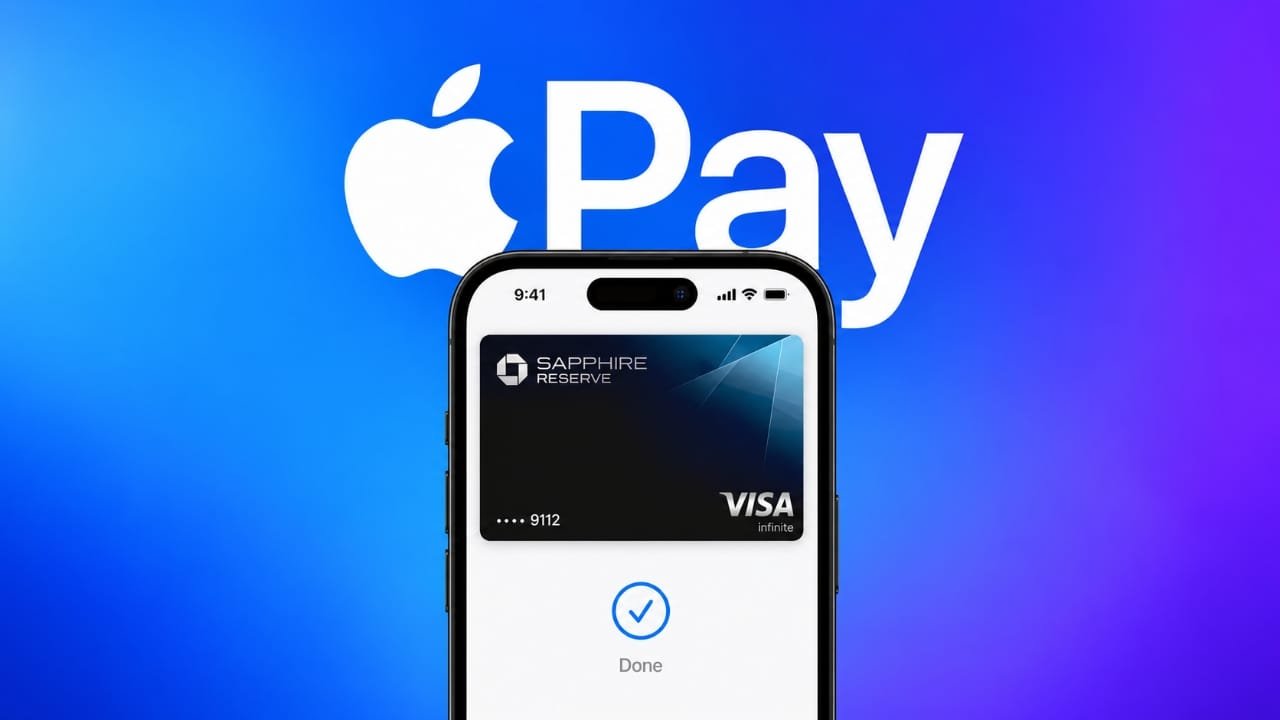
Apple Pay has finally arrived in India, giving iPhone and Apple Watch users another way to make contactless payments. The service has been available in several other countries for years, but its Indian rollout has started with limited card support.
At launch, Apple Pay is available for eligible Visa and Mastercard credit cards issued by Axis Bank. This means not every Indian bank card can be added to Apple Pay right now.
Advertisements
Here is everything you need to know about Apple Pay in India, including supported cards, setup steps, and how to make a contactless payment.
Also read: WallZone: Live Wallpaper 4K Review – Add a Fresh Look to Your Android Phone
Apple Pay Is Now Available in India
Apple Pay allows users to add a supported bank card to the Apple Wallet and use their Apple device for contactless payments.
For the initial Indian rollout, eligible Axis Bank Visa and Mastercard credit cards can be added to Apple Wallet. Card verification is handled by the bank before the card can be used.
Apple is also expected to expand the service and bring support for additional payment options and online payments in the future.
How to Set Up Apple Pay on iPhone
If you have an eligible Axis Bank credit card, you can add it to Apple Wallet by following these steps:
- Open the Wallet app on your iPhone or iPad.
- Tap the + button.
- Select the option to add a debit or credit card.
- Follow the instructions displayed on the screen.
- Enter or scan your card details when prompted.
- Complete the verification process required by Axis Bank.
- Once the bank approves the card, it will be available in Apple Wallet.
You can also start the card setup through the Axis Bank app if that option is available for your eligible card.
How to Pay Using Apple Pay on iPhone
Once your card has been successfully added and verified, making a contactless payment is straightforward.
On an iPhone with Face ID:
- Double-click the side button.
- Authenticate using Face ID or your device passcode.
- Hold the top of your iPhone close to the contactless payment terminal.
- Wait for the payment confirmation.
Depending on the iPhone model and security settings, authentication may use Face ID, Touch ID, or the device passcode.
You should only hold the phone near a compatible contactless card reader when you are ready to make the payment.
How to Use Apple Pay With Apple Watch
Apple Watch users can also make contactless payments after adding a supported card.
To pay:
- Double-click the side button on your Apple Watch.
- Select the card you want to use if necessary.
- Hold the display of the Apple Watch near the contactless payment terminal.
- Wait for the payment to be processed.
The Apple Watch needs to support the required software version and have a compatible card added to Wallet.
Which Devices Support Apple Pay?
Apple Pay support depends on the device model and software version.
According to the available rollout information, supported devices include:
- iPhone XR and newer models running at least iOS 18
- Apple Watch Series 6 and newer running at least watchOS 11
Availability can also depend on the card, bank, region, and other requirements set by Apple and the card issuer.
Which Bank Cards Work With Apple Pay in India?
At the beginning of the Indian rollout, Apple Pay support is limited to eligible Axis Bank Visa and Mastercard credit cards.
Other banks and card networks may be added as Apple expands the service in India. Therefore, users with cards from other banks may need to wait until their bank officially supports Apple Pay.
Apple Pay’s Global Availability
Apple Pay is already available across many countries and regions around the world. Apple says the service has expanded to more than 90 countries and regions and works with thousands of banks and payment partners globally.
Its arrival in India gives Apple users another contactless payment option, although the initial availability is more limited than in some other markets.
What to Know Before Using Apple Pay
Apple Pay does not automatically make every credit card compatible. Your card must be supported by both the card issuer and Apple.
If your card cannot be added to Apple Wallet, check whether the specific card is eligible and whether your bank has enabled Apple Pay support for it.
It is also important to keep your iPhone or Apple Watch updated with the required software version.
Also read: Always On Display Clock Widget Review: Customize Your AMOLED Screen
Final Thoughts
Apple Pay’s arrival in India is a significant addition for people who prefer making contactless payments using their Apple devices. The initial launch is limited to eligible Axis Bank Visa and Mastercard credit cards, but support may expand as the service becomes more widely available.
For supported users, setting up Apple Pay through the Wallet app is relatively simple. After verification, payments can be authenticated directly on an iPhone or Apple Watch and completed at compatible contactless payment terminals.
As Apple expands its partnerships in India, more banks and cards may become available in the future.

Abhi Rajput, founder of EarnAbhi.in, is a tech lover with 6+ years of experience in SEO, digital tools, and smartphone troubleshooting. He writes simple, clear, and useful guides to help people solve real tech problems.
Advertisements