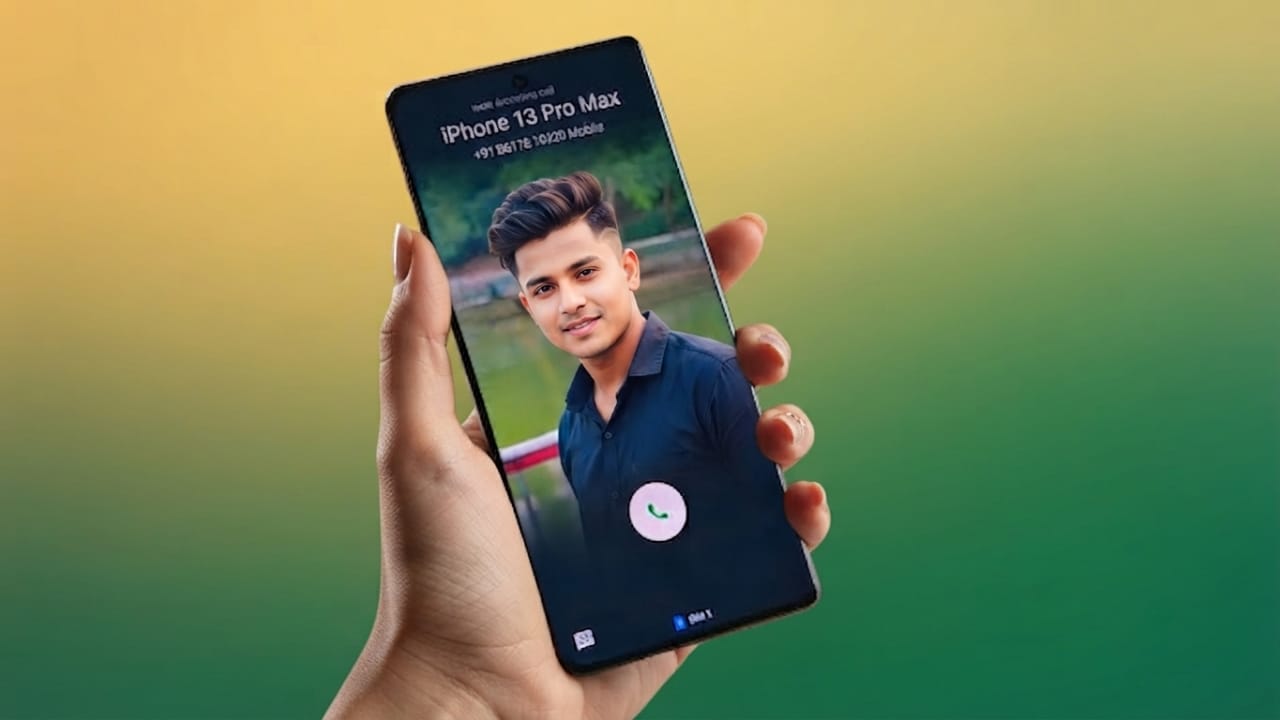
Most Android phones come with a built-in dialer that works well for making and receiving calls. However, the default app often offers only basic features and limited customization. If you want to give your phone a more personal look, True Phone Dialer and Contacts is a useful alternative.
Advertisements
This app lets you customize the dialer interface, organize your contacts, and apply different themes. Depending on your device and Android version, you can also personalize parts of the calling experience, such as contact photos and supported call screen elements.
Also read: How to Use the Force LTE Only (4G/5G) App on Android
What Is True Phone Dialer and Contacts?
True Phone Dialer and Contacts is an Android dialer and contact management app designed to replace your phone’s default calling application. It combines a customizable dialer with tools for managing contacts, viewing call history, and changing the app’s appearance.
Its clean layout and personalization options make it a popular choice for users who want more control over how their phone app looks and works.
Key Features
1. Customizable Appearance
The app includes multiple themes and display settings that allow you to personalize the dialer. You can change the overall look and, where supported, use photos for contact-related visuals.
2. Better Contact Management
Managing contacts becomes easier with features that help organize your phonebook. You can assign photos to contacts, making it easier to recognize callers at a glance.
3. Detailed Call History
The built-in call log provides useful information such as incoming, outgoing, and missed calls, along with call duration and timestamps in a well-organized format.
4. Simple and Fast Interface
The app is designed with an easy-to-use interface that allows quick access to contacts, the dial pad, and recent calls. Navigation is smooth and beginner-friendly.
5. Themes and Personalization
Several themes and customization options are available, allowing you to change the style of the dialer according to your preferences.
6. Dual SIM Support
If your phone supports two SIM cards, the app can make it easier to choose which SIM to use when placing a call.
7. Spam and Number Blocking
The app includes options for blocking unwanted numbers, helping reduce interruptions from spam or nuisance callers.
Why Choose True Phone Dialer and Contacts?
Here are some reasons why many users prefer this app:
- Personalize the dialer with themes and contact photos.
- Organize contacts more efficiently.
- Access detailed call history in one place.
- Enjoy a clean and responsive interface.
- Use dual SIM features on supported devices.
- Block unwanted callers with built-in tools.
How to Get Started
- Open the Google Play Store and install True Phone Dialer and Contacts.
- Launch the app and grant the permissions it requests so it can access calls and contacts.
- If you want to use it as your main calling app, set it as the default phone app when prompted.
- Open the app settings to explore themes, appearance options, and other customization features.
- Add photos to your contacts and adjust the available settings to personalize your experience.

Also read: Best Android Volume Customization App with Neon RGB Effects
Advertisements
Final Thoughts
True Phone Dialer and Contacts is a feature-rich replacement for the default Android dialer. It offers useful tools for contact management, call history, themes, and personalization while keeping the interface simple and easy to use.
If you’re looking for a more customizable phone dialer with practical features, this app is worth exploring. Keep in mind that some customization options may vary depending on your Android version, phone model, and the latest version of the app.

Abhi Rajput, founder of EarnAbhi.in, is a tech lover with 6+ years of experience in SEO, digital tools, and smartphone troubleshooting. He writes simple, clear, and useful guides to help people solve real tech problems.