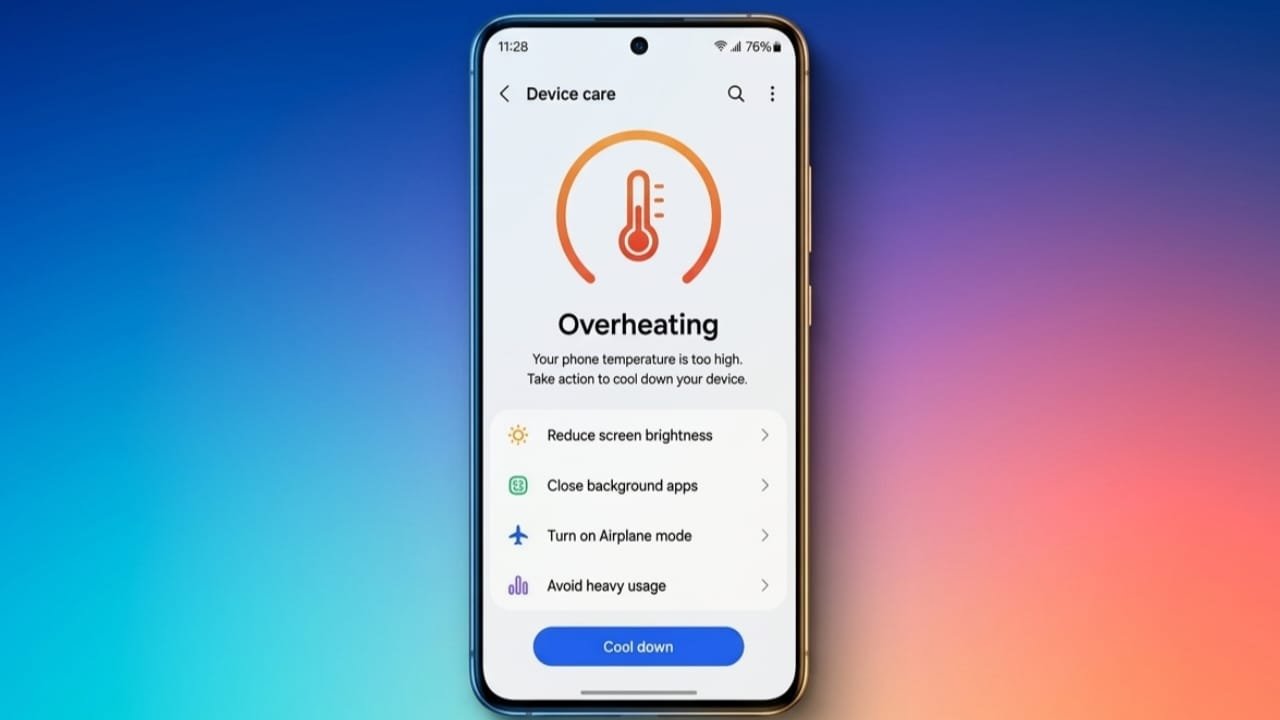
A smartphone getting warm once in a while is normal, especially during charging, gaming, or recording videos. However, if your phone becomes too hot too often, it can affect battery life, reduce performance, and even damage internal parts over time.
The good news is that most overheating problems can be reduced with a few simple changes. By following the right habits, you can keep your phone running safely and efficiently.
Advertisements
Also read: How to Fix YouTube Crashing on Android, iPhone, and Web
Key Points
- Heavy apps and games make the processor work harder, which increases heat.
- Let your phone cool down naturally instead of using sudden cooling methods.
- If overheating happens frequently, the battery or hardware may need professional inspection.
Common Reasons Your Phone Gets Hot
Using demanding apps is one of the main causes of overheating. Mobile games, video editing, and high-resolution camera recording require extra processing power, making the device warmer than usual.
Recording videos in 4K also puts additional pressure on the processor. If you don’t need the highest quality, switching to 1080p at 30 frames per second can help lower the workload and reduce heat.
Fast charging is another common reason. While it charges your phone more quickly, it also generates extra warmth. Once the battery reaches 100%, unplug the charger instead of leaving the phone connected for long periods.
Using heavy apps while charging can make the problem even worse. Wireless charging may also produce more heat because it is generally less efficient than wired charging.
Reduce Background Activity
Many apps continue working even when you are not using them. GPS, cloud syncing, and other background services consume power and increase internal temperature.
To reduce unnecessary heat:
- Close apps you no longer need.
- Restart your phone if it feels unusually warm.
- Limit background activity whenever possible.
These small steps can improve performance and help your device stay cooler.
Safe Ways to Cool Down Your Phone
If your phone becomes hot, remove any thick or heavy case that may be trapping heat. A slimmer case usually allows better airflow.
Move your phone away from direct sunlight and avoid leaving it inside a parked car, where temperatures can rise quickly. Lowering the screen brightness and turning on battery saver mode can also reduce power consumption.
If you are not using features like GPS, Bluetooth, or Wi-Fi, switch them off until needed.
Most importantly, never place an overheated phone in a refrigerator or freezer. Sudden temperature changes can damage the screen and cause moisture to build up inside the device. Instead, turn the phone off and let it cool naturally.
When Overheating Keeps Happening
If your phone regularly overheats during normal use, it may be time to check the battery’s condition. Older or damaged batteries can generate more heat than usual.
Look for warning signs such as:
- A swollen battery
- The screen lifting away from the frame
- Unusual discoloration
- Frequent overheating without heavy usage
If you notice any of these issues, stop using the device and have it inspected by a qualified repair technician.
Keep Your Phone in Good Condition
Keeping your software updated can improve system performance and fix bugs that may cause excessive background activity.
You should also remove apps you no longer use and free up storage space. Nearly full storage can slow down your phone and increase background processing, which may contribute to higher temperatures.
If overheating warnings continue even after trying these steps, the issue could involve internal components such as temperature sensors, the charging system, or the motherboard. These problems require proper diagnostic tools and should be handled by an experienced technician.
Also read: How to Fix Chrome Not Opening on Android: A Simple and Complete Guide
Final Thoughts
Phone overheating is often caused by everyday activities like gaming, charging, recording videos, or prolonged exposure to heat. In many cases, simple adjustments are enough to prevent the problem.
Allow your phone to cool naturally, avoid unnecessary stress on the device, and keep both the software and storage well maintained. If overheating continues despite these efforts, seek professional assistance to prevent further damage and keep your phone working reliably.

Abhi Rajput, founder of EarnAbhi.in, is a tech lover with 6+ years of experience in SEO, digital tools, and smartphone troubleshooting. He writes simple, clear, and useful guides to help people solve real tech problems.