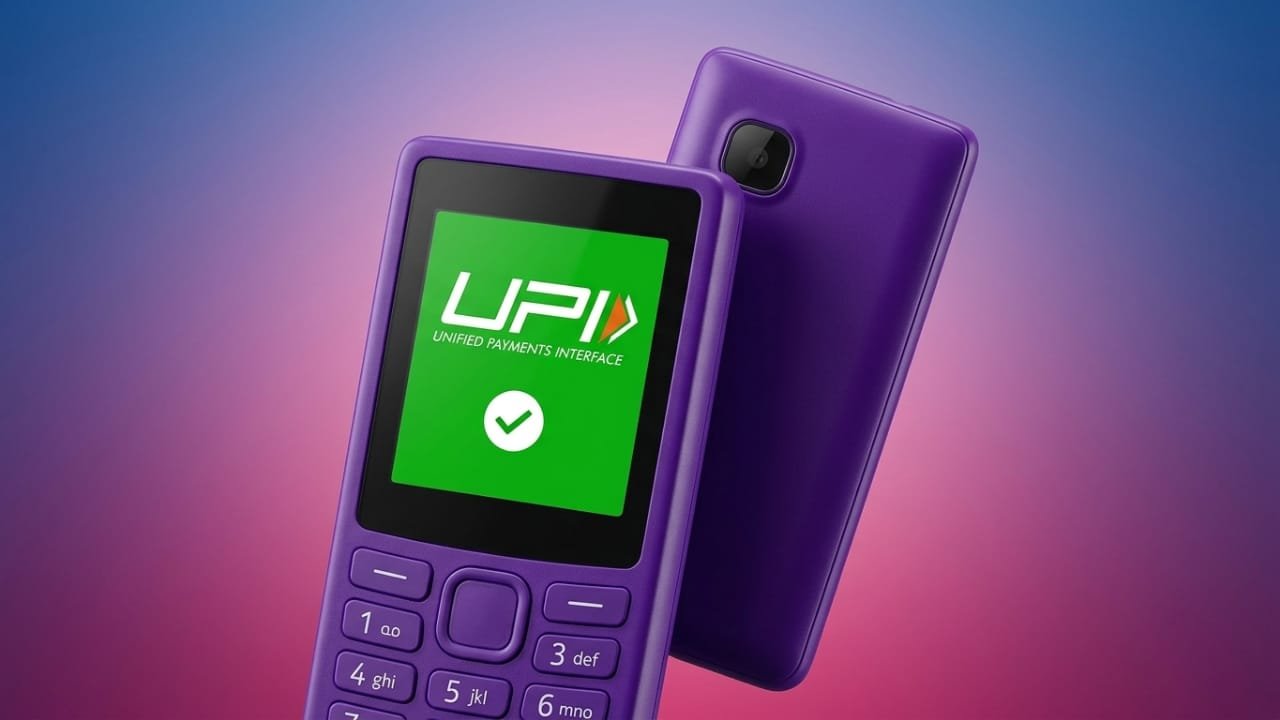
PhonePe has introduced its UPI 123Pay service for feature phone users in India, making digital payments easier for people who do not own smartphones. With this feature, users can send and receive UPI payments even without an internet connection.
The service is built on a secure SMS-based system, allowing transactions to work smoothly in areas with limited or slow network coverage. This step helps bring digital payments to more users across the country.
Advertisements
Also read: How to Set Up Face ID on iPhone 16: Easy Step-by-Step Guide
Available on Popular Feature Phones
PhonePe UPI 123Pay comes pre-installed on selected feature phones from brands such as Nokia, HMD, Lava, and Itel. Some supported models include:
- HMD 105 2G
- HMD 110 2G
- Nokia 105 Classic
- Nokia 105 Single SIM
- Nokia 105 Dual SIM
- Nokia 106
- Nokia 123 Shield
- Other compatible feature phone models
What Users Can Do
With UPI 123Pay, feature phone users can perform several everyday banking tasks without needing a smartphone. They can:
- Send money to friends and family using a mobile number or UPI ID.
- Pay merchants using a UPI ID or by scanning a QR code on supported devices.
- Check their bank account balance.
- View previous transaction records.
- Manage their linked bank accounts.
To help new users get started, PhonePe has also launched an AI-powered voice support service. The helpline provides step-by-step setup guidance in English, Hindi, and 11 additional Indian languages.
The company has also announced plans to expand the service in the future by adding features such as mobile recharges, utility bill payments, and Aadhaar-based onboarding.
How to Register for PhonePe UPI 123Pay
Follow these steps to activate the service on your feature phone:
- Open the pre-installed PhonePe app.
- Read and accept the Terms and Conditions.
- Choose your bank from the available list.
- Enter the last six digits of your debit card along with its expiry date.
- Create a secure UPI PIN.
Once the setup is complete, your UPI ID will be activated and ready for use.
How to Make a Payment
To send money using PhonePe UPI 123Pay:
- Open the PhonePe app on your feature phone.
- Select your preferred payment option, such as Pay to Mobile Number, Pay to UPI ID, Contact Book, or Scan & Pay (if supported).
- Enter the recipient’s mobile number or UPI ID.
- Verify the payment details and enter the amount.
- Enter your UPI PIN to authorize the transaction.
- Confirm the payment.
After the transaction is processed, a confirmation message will appear on the screen.
Also read: How to Transfer Photos from iPhone 16 to a Laptop
Final Thoughts
PhonePe’s UPI 123Pay service makes digital payments more accessible for feature phone users across India. By removing the need for an internet connection, it allows more people to use UPI safely and conveniently, especially in areas where smartphone usage or mobile data access is limited.

Abhi Rajput, founder of EarnAbhi.in, is a tech lover with 6+ years of experience in SEO, digital tools, and smartphone troubleshooting. He writes simple, clear, and useful guides to help people solve real tech problems.