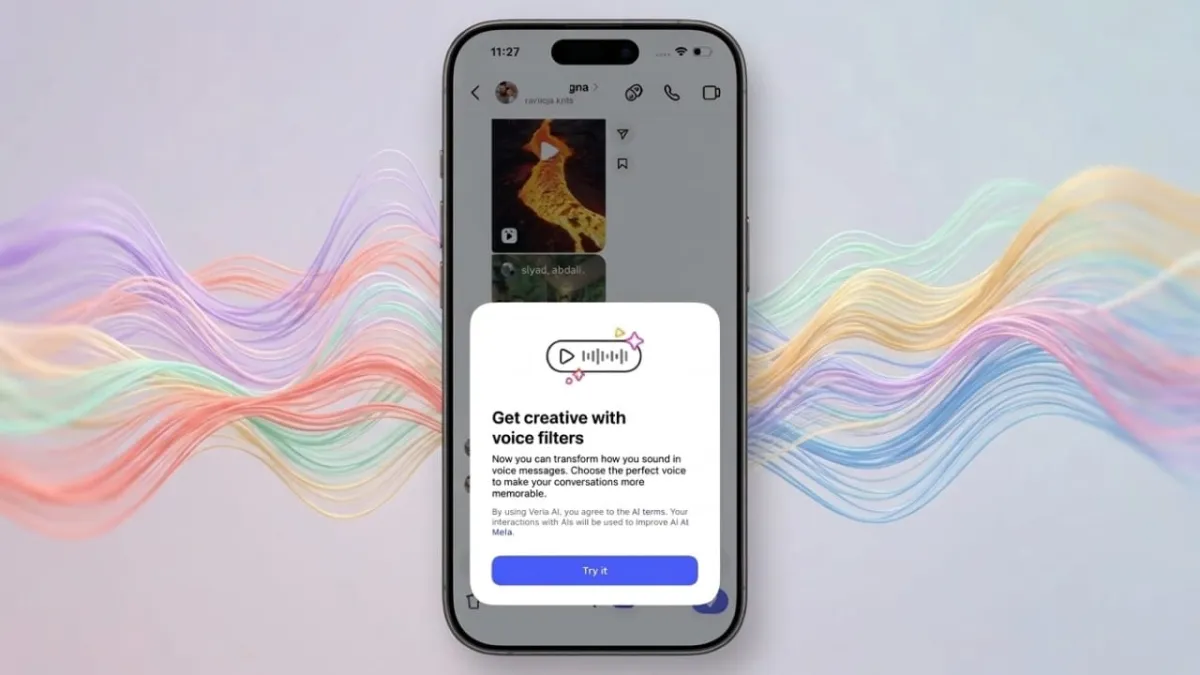
Instagram has rolled out a new feature that lets you change how your voice sounds in direct messages. With the help of AI, your regular voice notes can now sound fun, dramatic, or even completely different—all without leaving the app.
Let’s break it down in a simple way so you can understand what it is and how to use it.
Advertisements
Also read: How to Change Your Instagram Password on Phone or Computer
What Are Instagram AI Voice Effects?
This feature allows you to modify your voice before sending a voice note in chats. Instead of sending plain audio, you can apply different sound styles that change the tone and feel of your message.
It doesn’t just distort your voice randomly. The system adjusts things like pitch and depth while keeping your words clear. So even after applying an effect, your message is still easy to understand.
Some of the popular effects include:
- Chipmunk (high-pitched and playful)
- Robot (mechanical tone)
- Demon (deep and dramatic)
- Underwater (muffled effect)
- Stadium (echo like a large arena)
- Autotune (musical style)
Each effect gives your message a different mood without affecting clarity.
How to Use Voice Effects in Instagram DMs
Using this feature is quick and easy. Just follow these steps:
- Open Instagram and go to your messages
- Select a chat or start a new conversation
- Press and hold the microphone icon to record your voice
- After recording, tap on the voice effects option
- Try different effects and preview them
- Choose the one you like and send your message
Once sent, the effect name will appear with your voice note. Others in the chat can tap it and use the same effect in their reply.
Why This Feature Feels Different
This is not just another filter. It changes how your message sounds and feels to the listener.
Instead of a normal voice note, you can match your tone to your message. For example:
- Use a deep voice for dramatic reactions
- Try a funny tone for jokes
- Add echo for announcement-style messages
It gives you more control over how your message is perceived, which text or regular audio can’t always do.
Is It Useful or Just for Fun?
Right now, this feature is mostly for fun. It’s perfect for casual chats, group conversations, or moments when you want to add some personality.
You may not use it every time, but it can make conversations more engaging—especially if you already like sending voice notes.
If you don’t use voice messages often, you might try it occasionally. But if you do, this feature can make your chats feel more lively and expressive.
Also read: How to Upload Better Quality Photos and Videos on Instagram
Final Thoughts
Instagram’s AI voice effects bring a fresh twist to messaging. They are easy to use, built directly into the app, and add a creative touch to everyday conversations.
While it’s not essential, it’s definitely a fun way to make your messages stand out without any extra effort.

Abhi Rajput, founder of EarnAbhi.in, is a tech lover with 6+ years of experience in SEO, digital tools, and smartphone troubleshooting. He writes simple, clear, and useful guides to help people solve real tech problems.