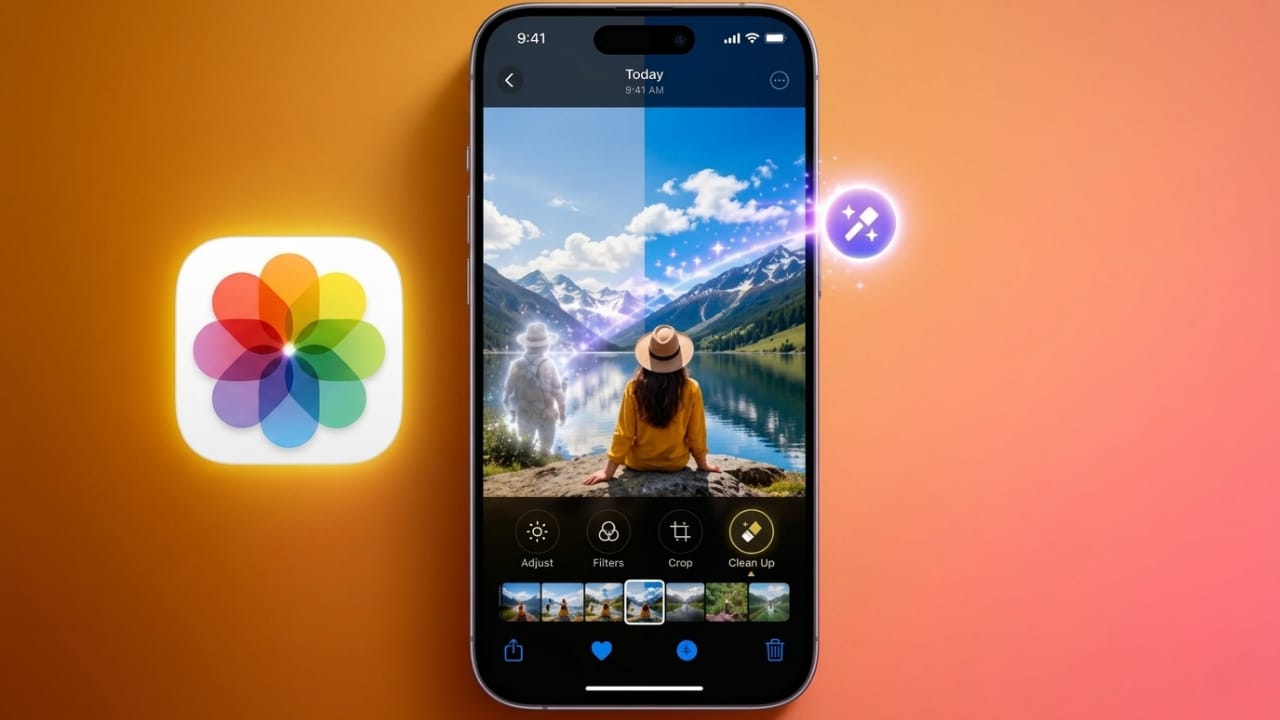
At WWDC 2026, Apple announced a set of new AI-powered editing features for the Photos app. These tools are built with Apple Intelligence and are designed to make photo editing easier while helping users keep their images looking natural and realistic.
Advertisements
The latest update focuses on improving photo composition, expanding image backgrounds, and removing unwanted distractions with minimal effort.
Also read: Hidden iPhone Setting That Can Help Reduce Eye Strain: How to Turn On Screen Distance
Highlights of the New Features
- Spatial Reframing lets users adjust the composition of a photo after it has been taken.
- Extend can enlarge the image area by generating additional background content.
- The upgraded Clean Up tool removes unwanted objects more accurately.
Spatial Reframing Makes Photo Composition Easier
One of the most interesting additions is Spatial Reframing. This feature allows users to change the framing and perspective of a photo after it has already been captured.
With simple touch controls, users can move and adjust the image to improve its overall composition. Small issues such as uneven framing or awkward positioning can be corrected without taking another photo.
As changes are made, users can see a live preview of the results. The system intelligently fills any newly created empty spaces around the image. These additions are generated only where needed, helping the final photo look natural and consistent with the original scene.
Apple designed this feature to enhance photos while preserving the authenticity of the moment.
Extend Expands the Edges of Your Photos
Apple also introduced a new tool called Extend. This feature helps users increase the size of an image by generating additional content around its borders.
The tool is useful when a photo feels too tightly cropped or when extra space is needed around the subject. Users can simply adjust the image size, and Apple Intelligence creates matching background details that blend with the existing photo.
Extend can also help when changing aspect ratios or correcting horizon alignment. Instead of losing important parts of the image through cropping, users can expand the scene while keeping key details visible.
Landscape and travel photos may benefit especially from this feature, as it creates a more balanced and spacious look.
Clean Up Gets Better Object Removal
Apple has also enhanced the Clean Up tool, which is designed to remove unwanted elements from photos.
Users can tap, brush over, or circle objects they want to remove. The system then replaces the selected area with content that matches the surrounding image.
The updated version produces more realistic results and handles complex backgrounds more effectively. This helps edited photos maintain a consistent appearance without obvious signs of alteration.
Because the process is simple and quick, users can improve their images without spending a lot of time on manual editing.
Also read: Rolling Icons App: Make Your Android Home Screen More Fun and Interactive
Final Thoughts
The new AI-powered editing tools in Apple’s Photos app provide more flexibility for everyday photo enhancements. Spatial Reframing helps improve composition, Extend creates additional image space, and the upgraded Clean Up feature removes distractions with greater accuracy.
These tools are designed to work on both older photos and images captured with non-Apple cameras, giving users more ways to improve their photo library while keeping memories looking natural.

Abhi Rajput, founder of EarnAbhi.in, is a tech lover with 6+ years of experience in SEO, digital tools, and smartphone troubleshooting. He writes simple, clear, and useful guides to help people solve real tech problems.
Advertisements