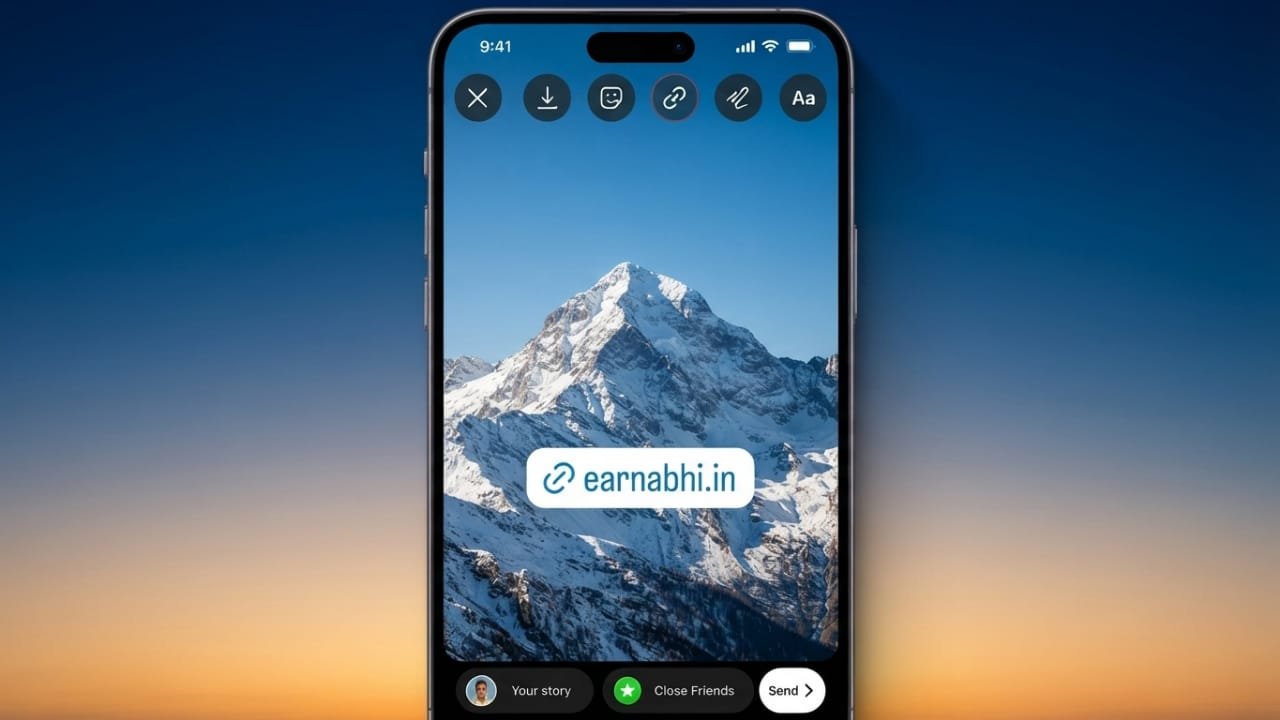
Instagram Stories are one of the easiest ways to share updates, promote content, or send people to your website. With the Link Sticker feature, anyone can add a clickable link to a Story. This makes it simple for followers to visit a webpage without searching through your profile.
Advertisements
Whether you are a content creator, business owner, or someone sharing useful resources, adding links to Stories can help more people reach the information you want them to see.
Also read: How to Stop Spam Text Messages on iPhone and Android
Why Use the Link Sticker?
The Link Sticker allows Instagram users to attach a website link directly to a Story. Instead of asking followers to visit the profile bio, they can simply tap the sticker and open the linked page.
Some common uses include:
- Sharing blog posts or articles
- Promoting products or services
- Directing users to an online store
- Sharing event registration pages
- Linking to portfolios or personal websites
This saves time for your audience and creates a smoother experience.
How to Add a Link to an Instagram Story
Follow these steps to include a clickable link in your Story:
- Open the Instagram app.
- Create a new Story by taking a photo, recording a video, or uploading media from your gallery.
- Tap the Sticker icon at the top of the screen.
- Select the Link sticker.
- Paste the website URL you want to share.
- Edit the sticker text if you want a custom call-to-action.
- Place the sticker where it is easy to notice.
- Share your Story.
Your followers can now tap the sticker to open the linked webpage.
Tips Before You Start
A little preparation makes the process easier.
- Copy your website link before creating the Story.
- Choose a clear photo or video background.
- Keep important content visible so the sticker does not cover it.
- Test the link before publishing to make sure it opens correctly.
Use Clear Call-to-Action Text
The words on your sticker encourage people to click. Keep them short and easy to understand.
Examples include:
- Read More
- Visit Website
- Shop Now
- Learn More
- Register Today
Simple and direct text often performs better than long website addresses.
Ways to Use Story Links
Instagram Story links can support many different goals.
For example:
- Businesses can send customers to product pages.
- Bloggers can share their latest articles.
- Musicians can promote new music releases.
- Artists can showcase recent projects.
- Online stores can highlight featured products.
- Event organizers can share registration pages.
Sending people directly to the most relevant page helps create a better user experience.
Advertisements
Improve Link Clicks
Adding a link is only the first step. A well-designed Story can attract more attention.
Here are a few ideas:
- Add arrows or animated GIFs pointing to the sticker.
- Use simple visuals that keep the focus on the link.
- Include a short message explaining why viewers should tap.
- Position the sticker where it is easy to see without blocking important content.
- Try different Story styles to learn what works best for your audience.
Keeping your Stories clean and visually appealing can encourage more people to interact.
Also read: How to Upload Better Quality Photos on WhatsApp
Final Thoughts
The Instagram Link Sticker has made website sharing simple for everyone. With just a few taps, you can direct followers to important pages without extra steps. Combine clear visuals, a strong call to action, and thoughtful sticker placement to create Stories that are useful, engaging, and easy to interact with.

Abhi Rajput, founder of EarnAbhi.in, is a tech lover with 6+ years of experience in SEO, digital tools, and smartphone troubleshooting. He writes simple, clear, and useful guides to help people solve real tech problems.