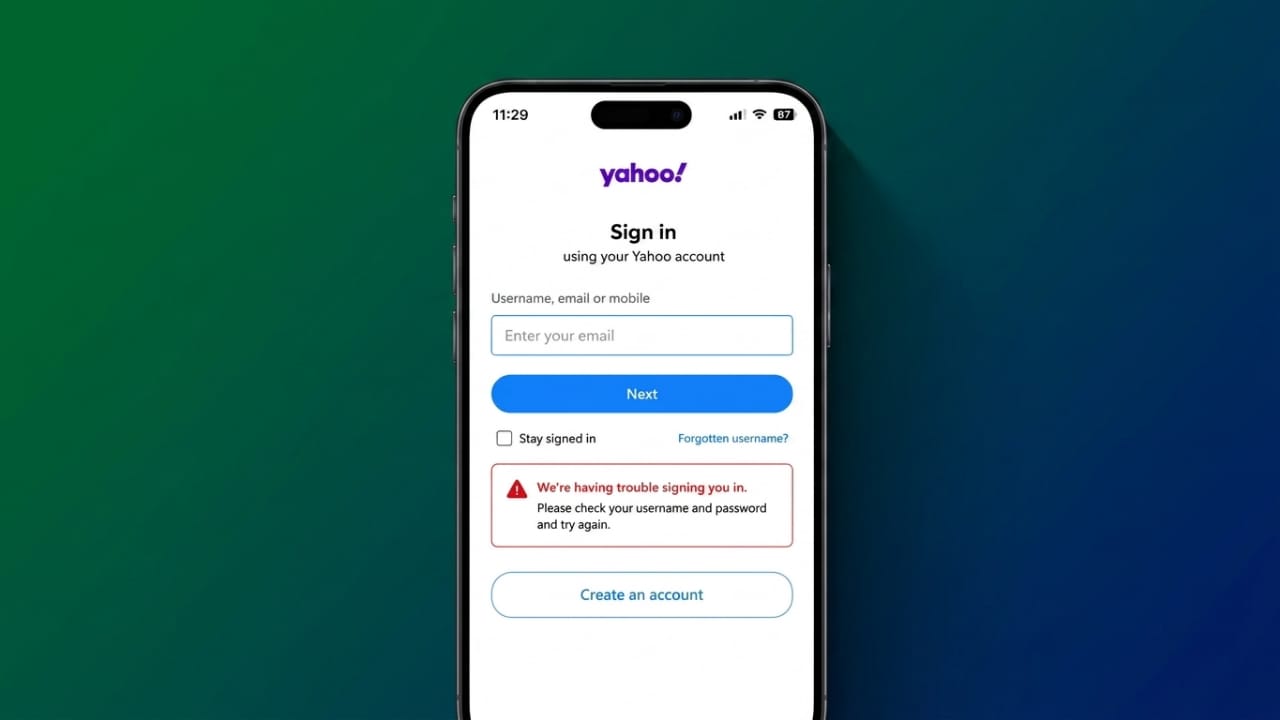
If you’re having trouble signing in to Yahoo Mail, you’re not alone. Problems like login failures, emails not syncing, slow loading, or blank pages can happen for many reasons. The good news is that most of these issues are easy to fix with a few simple steps.
This guide explains the most common Yahoo Mail login problems and the best ways to solve them.
Advertisements
Also read: How to Fix FaceTime Lag, Audio Delays, and Video Issues
Key Points
- Make sure your internet connection is working properly.
- Keep your browser and Yahoo Mail app updated.
- Clear your browser’s cache and cookies if pages are not loading.
- Check your account credentials and reset your password if needed.
- Confirm that Yahoo’s servers are working normally before troubleshooting further.
Why Yahoo Mail Login Problems Happen
Several factors can stop Yahoo Mail from working correctly. Identifying the actual cause helps you fix the issue more quickly.
Weak or Unstable Internet Connection
Yahoo Mail needs a reliable internet connection to load emails and sign you in. If your network is slow or unstable, pages may fail to load or emails may not sync.
Try restarting your modem or router. If possible, switch between Wi-Fi and mobile data to see if the issue is network-related. Testing Yahoo Mail on another device connected to the same network can also help.
Browser Cache and Cookies
Old cache files and cookies sometimes interfere with Yahoo Mail. This can lead to loading errors, blank pages, or repeated login requests.
Clearing your browser’s cache and cookies often fixes these problems.
Outdated Browser
Older browser versions may not fully support Yahoo Mail’s latest features. Updating your browser improves compatibility and can resolve login or display issues.
If one browser doesn’t work, try another supported browser such as Chrome, Firefox, Safari, or Microsoft Edge.
Browser Extensions
Some extensions, including ad blockers, VPNs, or privacy tools, may interfere with Yahoo Mail.
Disable extensions one at a time and refresh the page after each change to identify whether one of them is causing the problem.
Incorrect Email Settings
If you use Yahoo Mail with another email app, incorrect IMAP, POP, or SMTP settings can prevent emails from syncing, sending, or receiving.
Double-check that your account settings match Yahoo’s recommended server details.
Outdated Yahoo Mail App
Using an older version of the Yahoo Mail app can result in crashes, syncing issues, or login errors.
Install the latest app update from your device’s app store and restart the app before signing in again.
Account Security Restrictions
Yahoo may temporarily lock your account if it detects unusual login activity. In these cases, resetting your password or completing account verification usually restores access.
Yahoo Server Issues
Sometimes the problem is not on your device. Yahoo’s servers may be under maintenance or experiencing temporary outages. If this happens, you’ll need to wait until the service is restored.
Common Yahoo Mail Problems
Users may experience one or more of the following issues:
- Unable to sign in to the account.
- Incorrect username or password errors.
- Forgotten password.
- Account temporarily locked.
- Inbox keeps loading without opening.
- Blank screen after login.
- Emails not sending or receiving.
- Mail not syncing on mobile devices.
- Login page keeps refreshing or redirecting.
- Reply, compose, or delete buttons not working.
- Email notifications not appearing.
- Yahoo Mail unable to recognize an email address.
- Error messages such as Error 15 or Error 19.
How to Fix Yahoo Mail Login Problems
Check Your Internet Connection
First, confirm that your internet connection is working. Open another website to see whether it loads normally.
If needed:
- Restart your modem or router.
- Switch between Wi-Fi and mobile data.
- Test Yahoo Mail on another device.
- Use a wired connection if available.
Clear Browser Cache and Cookies
If Yahoo Mail is loading incorrectly, clear your browser’s browsing data.
Open your browser settings, choose the option to clear cache and cookies, select All Time, then restart the browser and try signing in again.
Update or Change Your Browser
Install the latest version of your browser. If the problem continues, try accessing Yahoo Mail with a different supported browser.
Disable Browser Extensions
Turn off browser extensions one by one and refresh Yahoo Mail after each change. If the issue disappears, you’ve found the extension causing the conflict.
Check Yahoo Server Status
If many users are reporting similar problems, Yahoo’s servers may be temporarily unavailable. In that case, wait until the service returns to normal.
Verify IMAP and SMTP Settings
If you use Yahoo Mail in an email client, confirm these settings:
Incoming Mail (IMAP)
- Server: imap.mail.yahoo.com
- Port: 993
- SSL: Enabled
Outgoing Mail (SMTP)
- Server: smtp.mail.yahoo.com
- Port: 465 or 587
- SSL: Enabled
- Authentication: Required
Some email applications also require a Yahoo App Password for secure access.
Update the Yahoo Mail App
On Android or iPhone:
- Open the Play Store or App Store.
- Search for Yahoo Mail.
- Install any available updates.
- Restart the app and sign in again.
Check Security Software
Occasionally, antivirus or firewall software may block Yahoo Mail connections.
Temporarily disable the software to test whether it is causing the issue. If Yahoo Mail works normally, add it to the software’s allowed list before turning your security protection back on.
Try Another Device
If the problem continues, sign in from another phone, tablet, or computer. You can also use a private or incognito browser window to rule out browser-related issues.
Fix Account Login Problems
If you cannot sign in:
- Check that your email address and password are entered correctly.
- Reset your password if you’ve forgotten it.
- Complete any account verification requested by Yahoo.
- Enable two-step verification to improve account security.
- Review recent account activity if you notice anything unusual.
If your account has been inactive for a long time and cannot be recovered, you may need to contact Yahoo Support for assistance.
Also read: How to Add Music to Snapchat: A Simple Guide to Songs, Custom Sounds, and More
Final Thoughts
Most Yahoo Mail login problems can be fixed by checking your internet connection, updating your browser or app, clearing cache files, and confirming your account settings.
If you’ve tried all of these solutions and the problem still exists, the issue may be temporary or related to your account. In that case, contacting Yahoo Support is the next best step.

Abhi Rajput, founder of EarnAbhi.in, is a tech lover with 6+ years of experience in SEO, digital tools, and smartphone troubleshooting. He writes simple, clear, and useful guides to help people solve real tech problems.