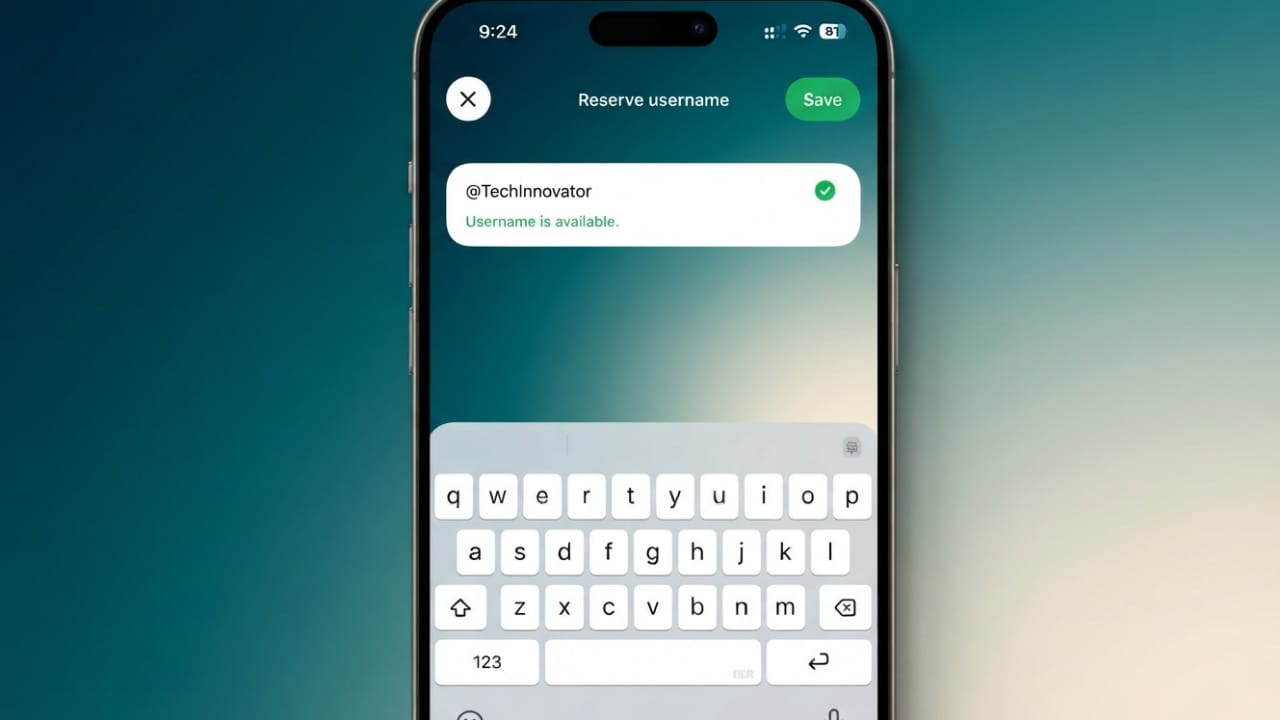
WhatsApp is introducing a username feature that gives users more privacy when connecting with new people. Instead of sharing your phone number with everyone, you can use a unique username if the feature is available on your account.
Advertisements
Although your phone number is still required to create a WhatsApp account, usernames can make it easier to start conversations without revealing your personal number.
Also read: How to Enable the New Network Speed Indicator on Samsung Galaxy Phones
Why WhatsApp Usernames Are Useful
The new username system is designed to improve privacy and make communication more secure. Instead of exchanging phone numbers, users can share their usernames with others.
Some of the main benefits include:
- Helps keep your phone number private.
- Makes it easier to connect with new people.
- Gives you more control over who can contact you.
- Allows you to change or remove your username later, if supported.
Since usernames must be unique, popular names may become unavailable quickly. If the feature is available for your account, it’s a good idea to choose your preferred username as soon as possible.
Username Rules
When creating a WhatsApp username, keep these general rules in mind:
- It should contain between 3 and 35 characters.
- It must follow WhatsApp’s community guidelines.
- The username must be unique.
- Certain names may be reserved by Meta for public figures, organizations, or official accounts.
How to Reserve Your WhatsApp Username
If WhatsApp has enabled the feature for your account, you can reserve a username by following these steps:
- Update WhatsApp to the latest version from your device’s app store.
- Open WhatsApp and go to Settings.
- Select Account.
- Tap Username (if the option is available).
- Enter your preferred username.
- Check whether the username is available.
- Save your changes after choosing an available username.
If you don’t see the Username option yet, the feature may not have reached your account. In that case, keep your app updated and wait for WhatsApp to enable it in your region.
Username Privacy Features
WhatsApp is also working on additional privacy options related to usernames. Depending on the version available to you, these features may let you:
- Control who can contact you using your username.
- Add another layer of privacy for incoming conversations.
- Update or change your username when needed.
- Reset privacy settings if they are supported in future updates.
As WhatsApp continues to roll out the feature, more options may become available over time.
Tips for Choosing a Good Username
- Pick a name that is easy to remember.
- Avoid sharing sensitive personal information.
- Use the same username across your social profiles if you want consistent branding.
- Choose a unique name that represents you or your business.
Also read: WhatsApp Username Feature Finally Arrives on Android and iPhone Stable Version
Final Thoughts
WhatsApp usernames are designed to improve privacy by reducing the need to share your phone number with everyone. If the feature is available on your account, reserving your preferred username early can help you secure the name you want. Keep WhatsApp updated so you can access new features as they become available.

Abhi Rajput, founder of EarnAbhi.in, is a tech lover with 6+ years of experience in SEO, digital tools, and smartphone troubleshooting. He writes simple, clear, and useful guides to help people solve real tech problems.